

importing a image under the view tab
Hi,
I am having a problem with importing the image using the view tab on Creo 5.0.4 and the problem wasn't solved even after I reinstall the Creo.
What I did is by clicking the view > model display > Import, the choose the image I want to display on a plane in Creo part file. It worked just fine but I had an issue with Creo start running slow after I close the resource center window, so I used the task manager to shut down the Cero parametric then reopen the file again.
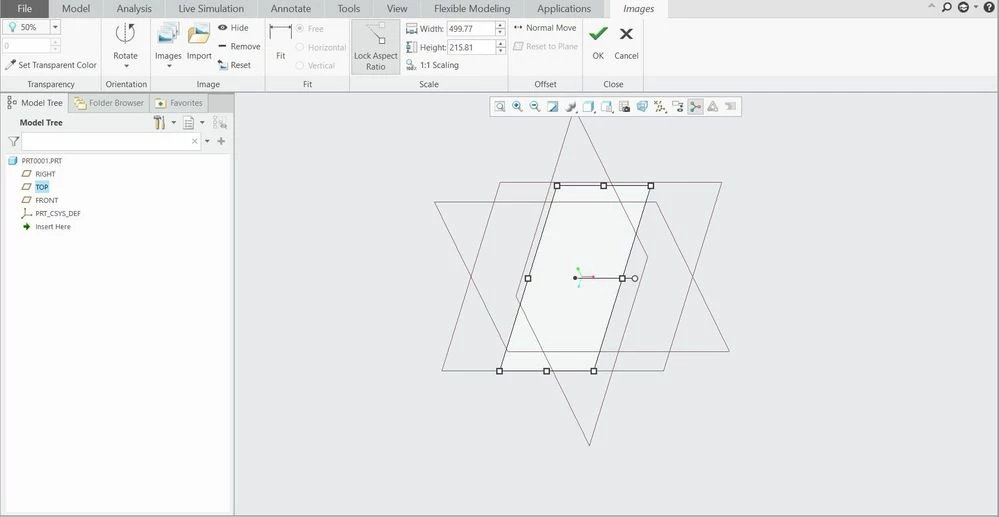
The image failed to display and I won't work even after I re-imported, change the .jpeg to .bmp, turn on the .jpeg in paint and imported the picture into Creo, or even reinstalled the software. None of these works.
The imported image looks like this:
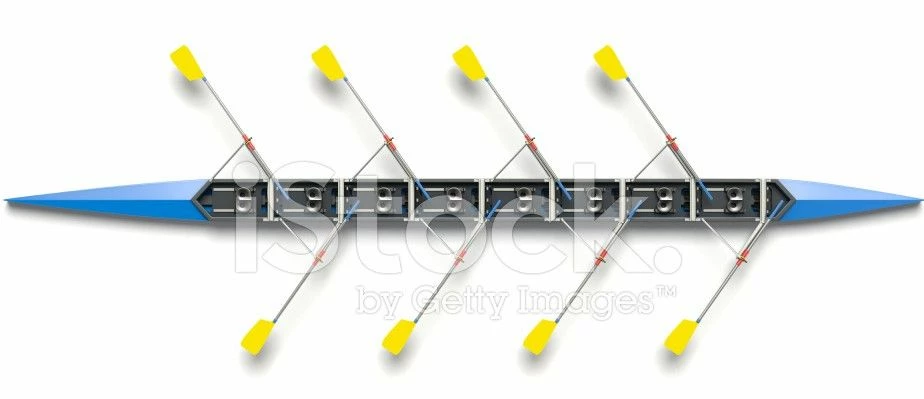
The jpeg I want to installed looks like this:
Does anyone knows how to solve this problem?