Solved
Information Window Hindering Work
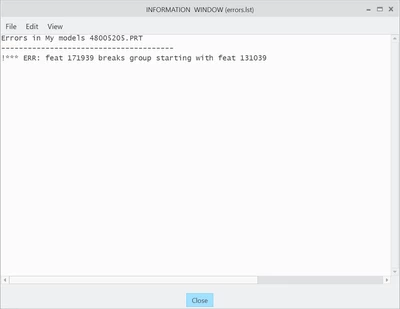
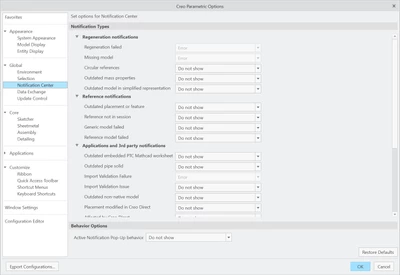
So we upgraded from Creo 7 to 10. When we did, this annoying thing started occurring where this information window would pop up upon every regen. After a couple of days, it stopped doing it. But today it started doing it again randomly. I've tried turning off all notifications and changed the notification behavior to "Do Not Show", but it still pops up.
Having to click the X icon every time I regen the CAD model is GREATLY reducing my ability to work... I don't mind having the little banner show errors and dissolving after a little on it's own, but having to acknowledge every pop-up during design is obnoxious and pretty much makes the CAD software unusable...