Issue with exporting clean DXF from drawing template and mapkey
- 3 replies
- 2358 views
- Translate All
I am on Creo parametric 7.0.10
Here is my problem. I am trying to export a clean DXF from a curve inside a part. I need the dxf to have no notes and be at scale 1 for cnc machining. I need to do this for many parts so wanted to automate it or speed it up somehow.
To speed up the process of exporting, I created a drawing template with the view "Front" set to scale 1. I then created a mapkey to open the part as a drawing with the template, then save as dxf.
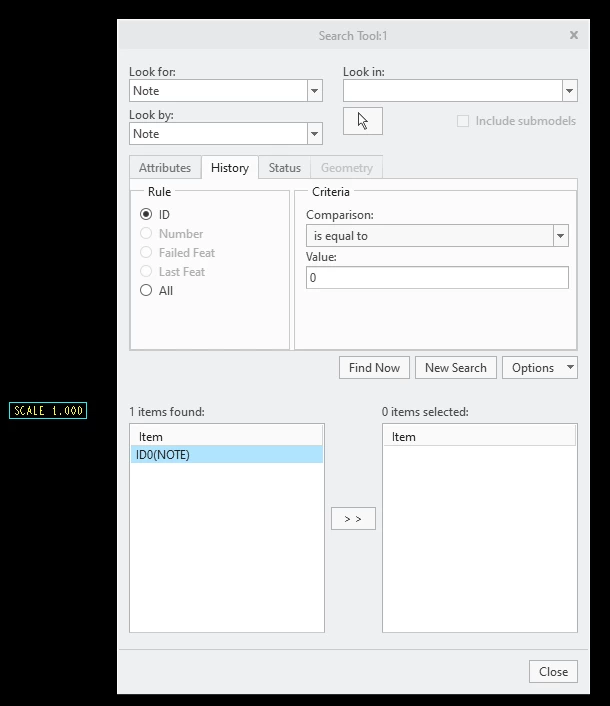
My issue is that doing it this way creates a note for the scale of the view "Scale 1.000".
I would like to not have this note. I tried removing the set scale of the view in the template and use mapkey to set the drawing scale before exporting, but I was not able to get mapkey to modify the drawing scale.
I also was not able to find an option to not have the note show up in the template view.
If there is a better way to export DXF files from part files I am also open to changing my method.