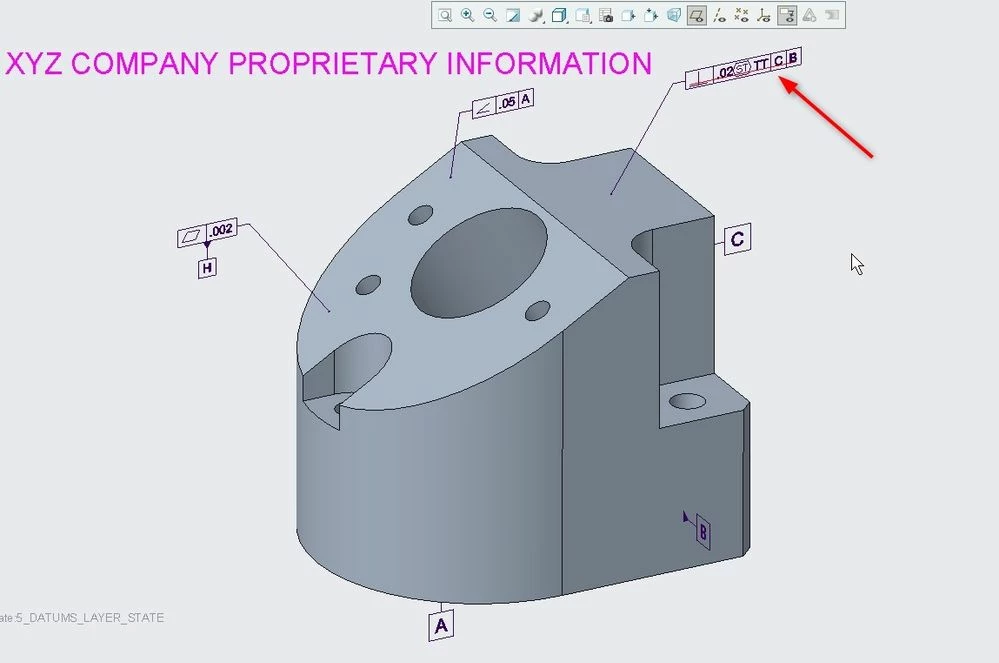
It's like spell checker for Office applications, only it is checking for proper GD&T definition. It may not like the "TT" you have after the "Statistical" modifier symbol.
I'm not using Creo 6, but in Creo 4, such a red line means that I'm missing something in my geometric tolerance definition. For example, if I have a parallelism tolerance but don't reference another datum, I get the red line.
Usually, for me, the reason for the red line is given in the message bar at the bottom of the main window. Something like "A datum reference is required".
It's like spell checker for Office applications, only it is checking for proper GD&T definition. It may not like the "TT" you have after the "Statistical" modifier symbol.