Question
need help regarding reopening issue
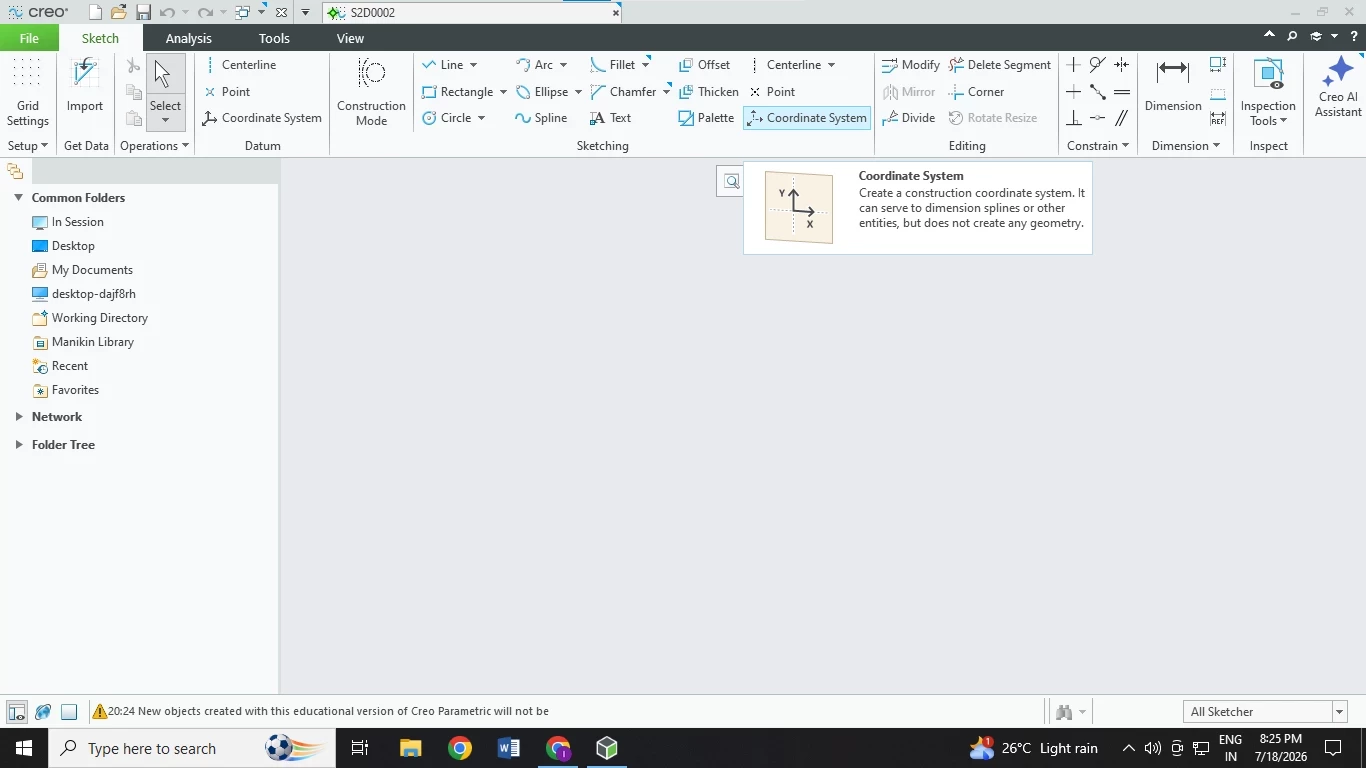
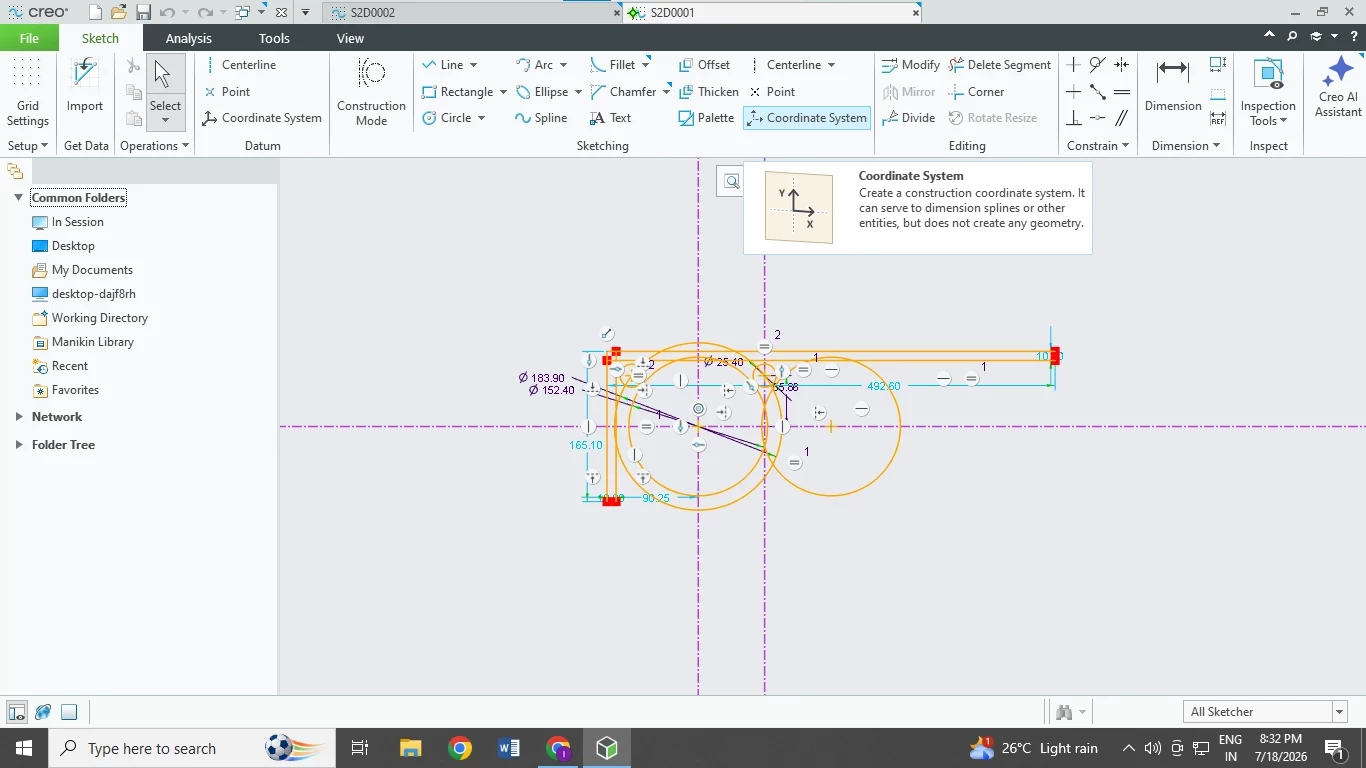
the image is related. whenever i try to open the file it shows this blank screen. I’m new to creo student edition and don’t know much. I was previously an onshape user. i had made backups and made sure to save it a couple of times before closing. The random save i did while sketching is visible for some reason but none of my extrusions are visible.
i scanned all my pc’s recent files to see if i had accidently saved it somewhere else too but its to no luck. The sketch from the above mentioned case is not fully visible too.