


Solved
Need to move an imported STEP model
I'm needing to find the best way to move an imported STEP model into position using Creo Parametric.
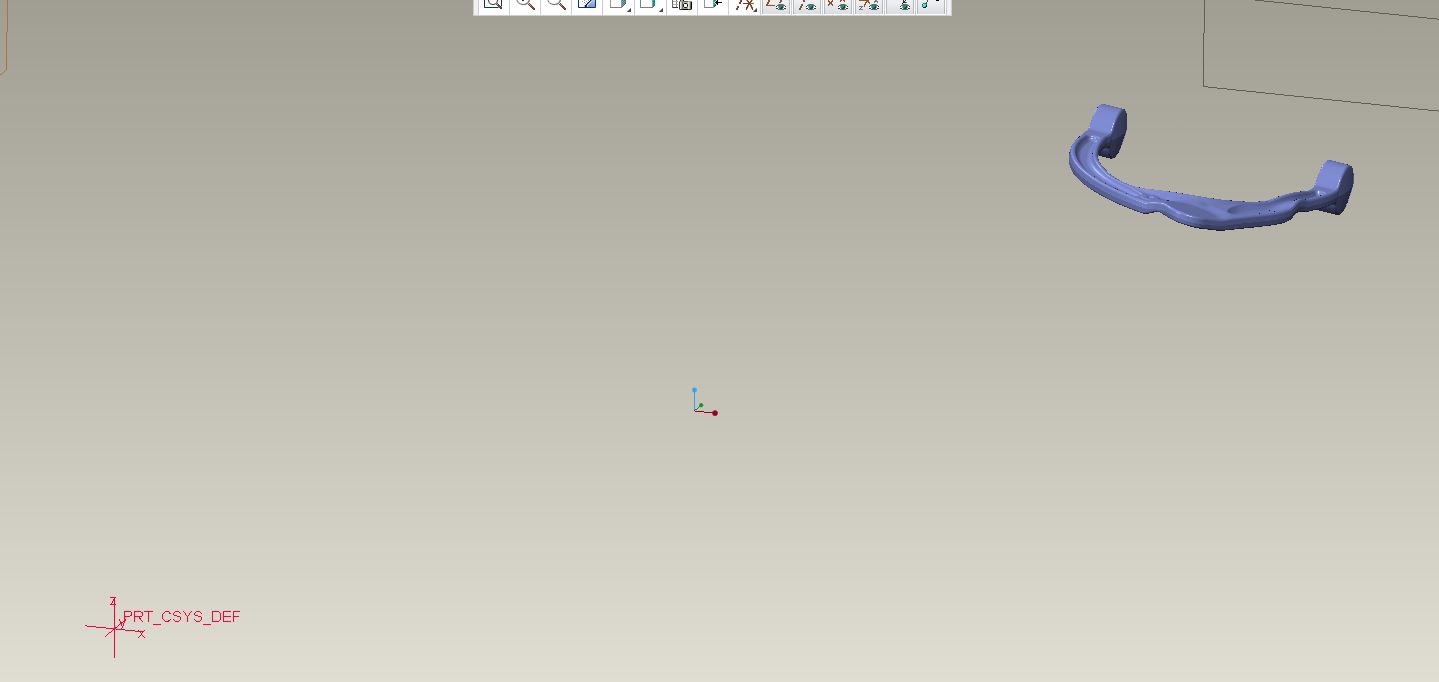
As you can see in the picture the imported model is quite a distance from where it's origin should be and the model is tilted in a couple axis.
Can this be moved in the Import Data Doctor? I tried doing this but couldn't even create an axis on the imported model.
Would this be easier to do in Assembly?
This is in the customer machined position but needs to be in the die position.
We do not have the Flexible Modeling package.
This thread is inactive and closed by the PTC Community Management Team. If you would like to provide a reply and re-open this thread, please notify the moderator and reference the thread. You may also use "Start a topic" button to ask a new question. Please be sure to include what version of the PTC product you are using so another community member knowledgeable about your version may be able to assist.