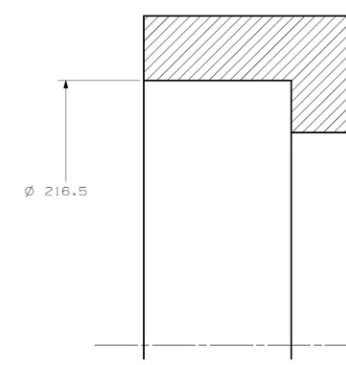
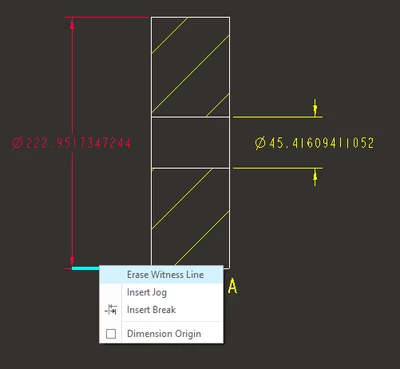
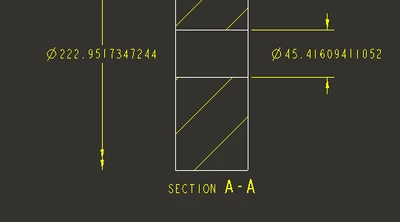
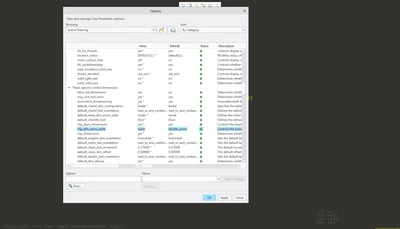
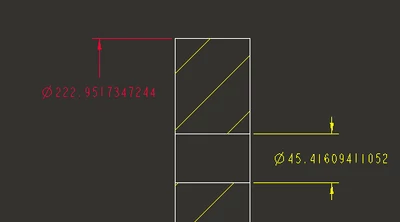
If you use a shown dimension in a drawing view it will appear with arrows across the diameter. After showing the dia dimension use the flip arrows options and it should create what you want.
Show your dimension from the model OR create your dimension in the main view and move it to the detail view OR temporarily change your detail view boundary to include the centerline, create the dimension, then re-sketch the boundary as desired.