
7-Bedrock
August 27, 2026
Question

Pdf export, lines thickness

  • August 27, 2026
  • 2 replies
  • 75 views

Hi

I saw this topic: 

 but it is not working for me.

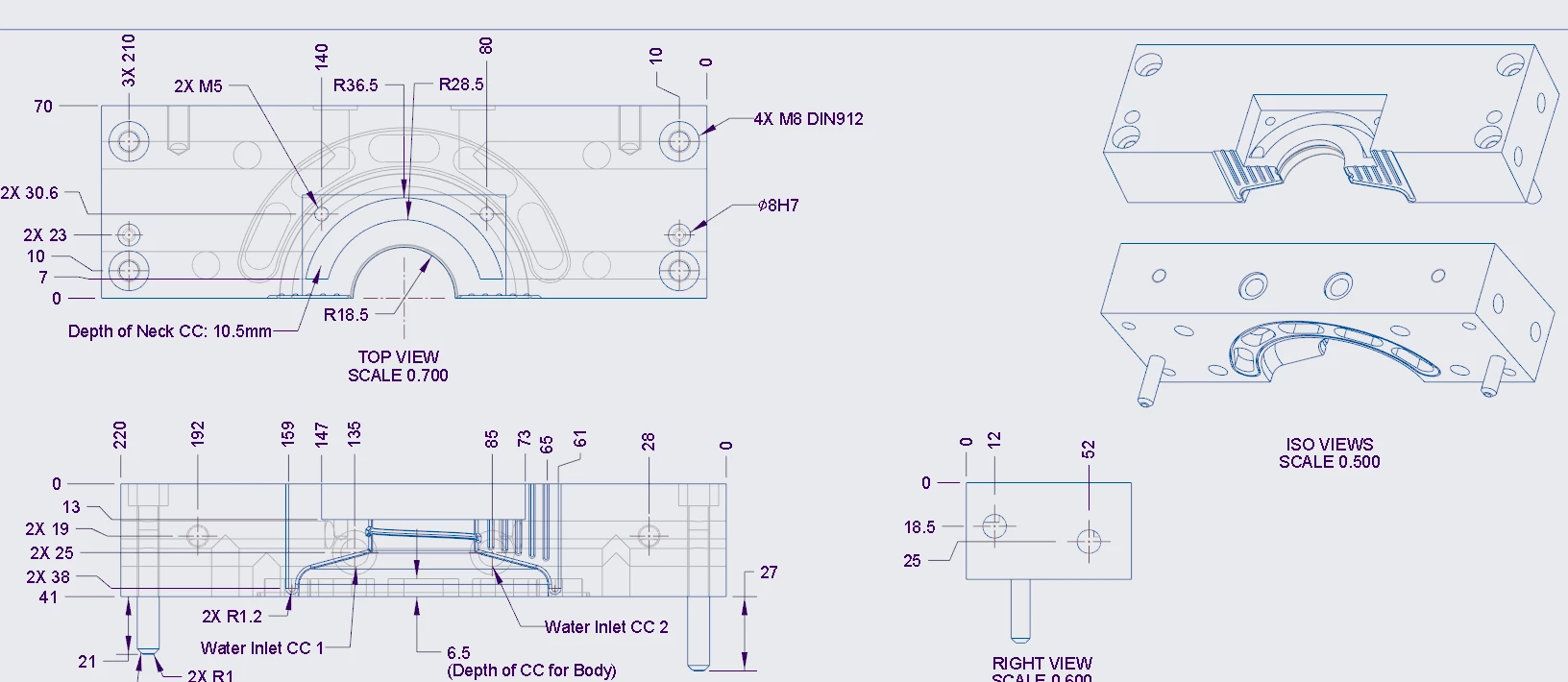
When i export, my drawings are shown like this
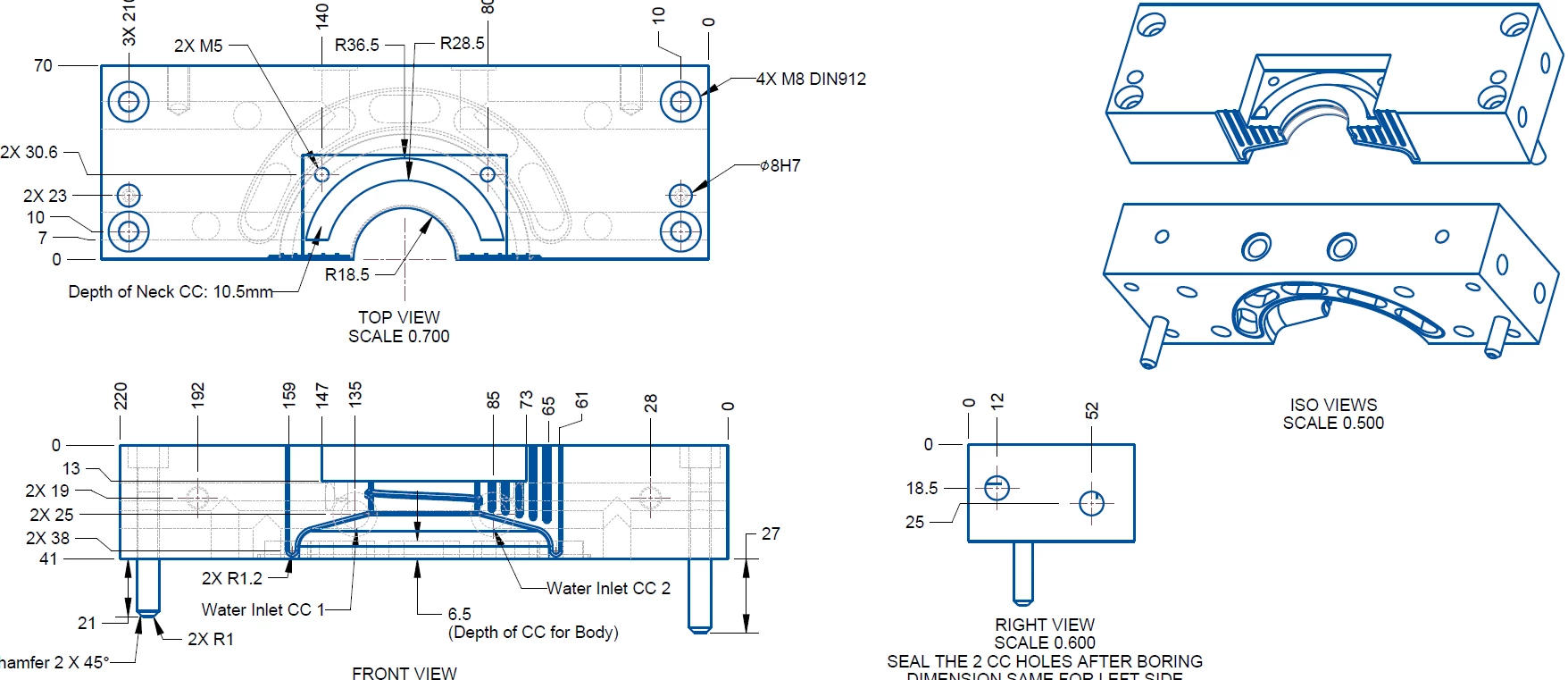


but in the creo drawing the lines are thinner, i can clearly see the slots or grooves that I have created.
 

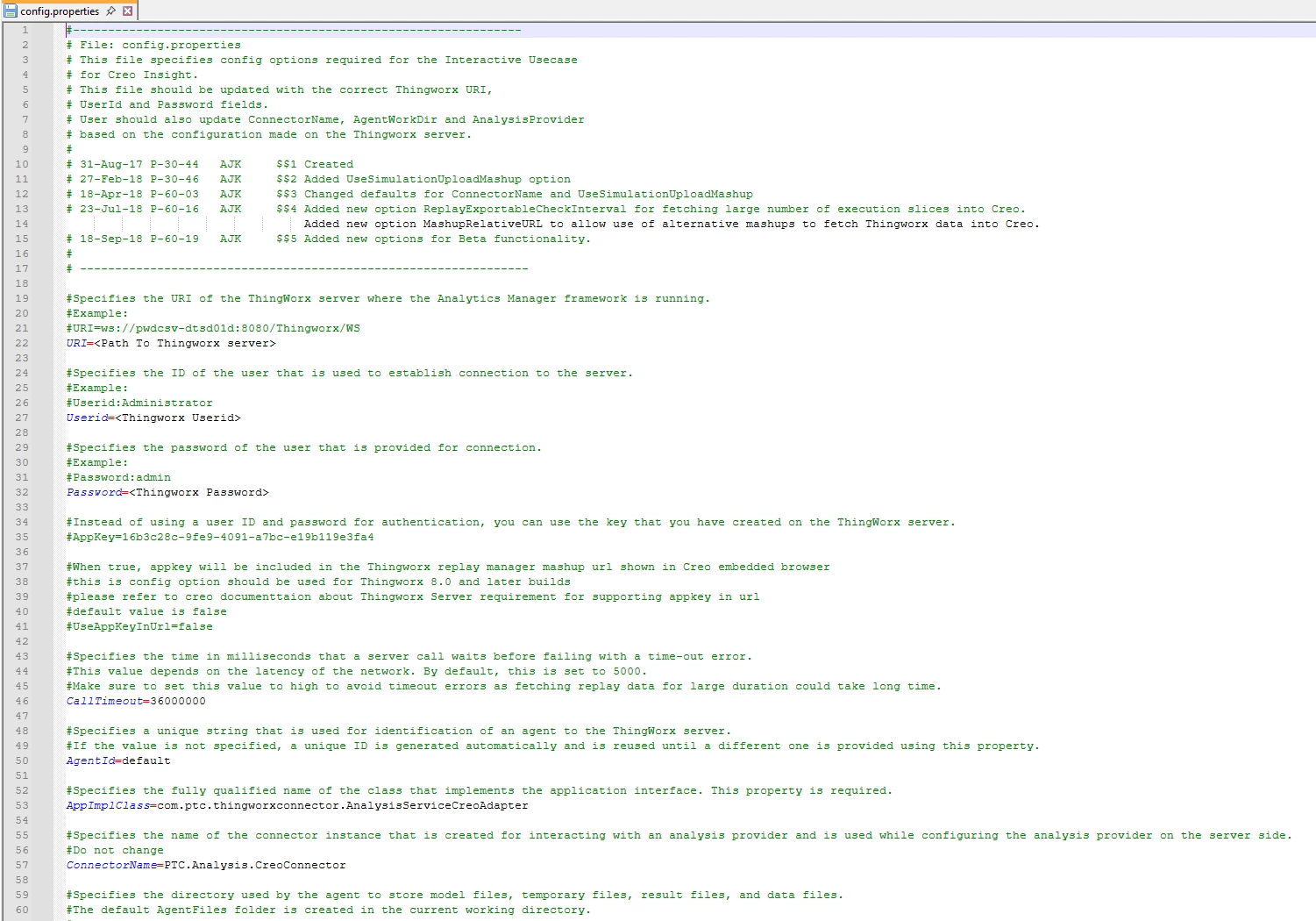
and also is this the config file that I’m supposed to add the path?
 

Please let me know what steps I’m missing

2 replies

kdirth
21-Topaz I
August 27, 2026

The correct file should be config.pro in you start directory.


There is always more to learn.
14-Alexandrite
September 17, 2026

By default, Creo uses ISO system for line thickness. play with these settings.

Also the settings are saved in config.pro.


Ensure that the modified config.pro resides in the Start in folder.