1-Visitor
September 16, 2016
Solved

ProE drawing offset section view issue

  • September 16, 2016
  • 3 replies
  • 5825 views

Hello,

I created a part according the dwg drawing:
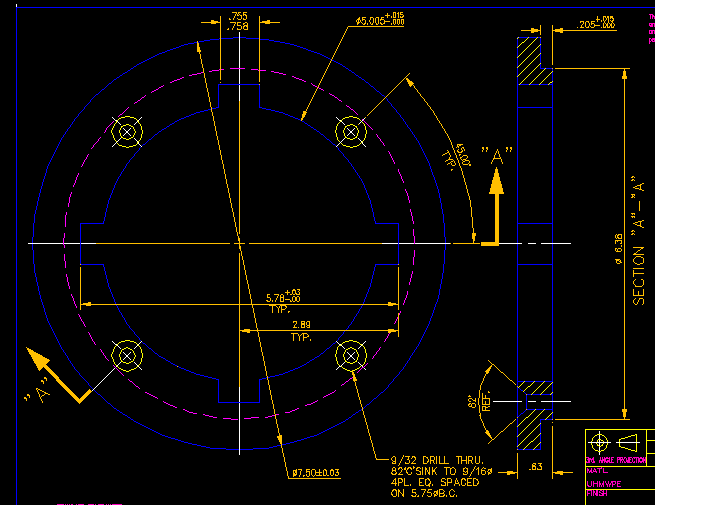
DWG.png

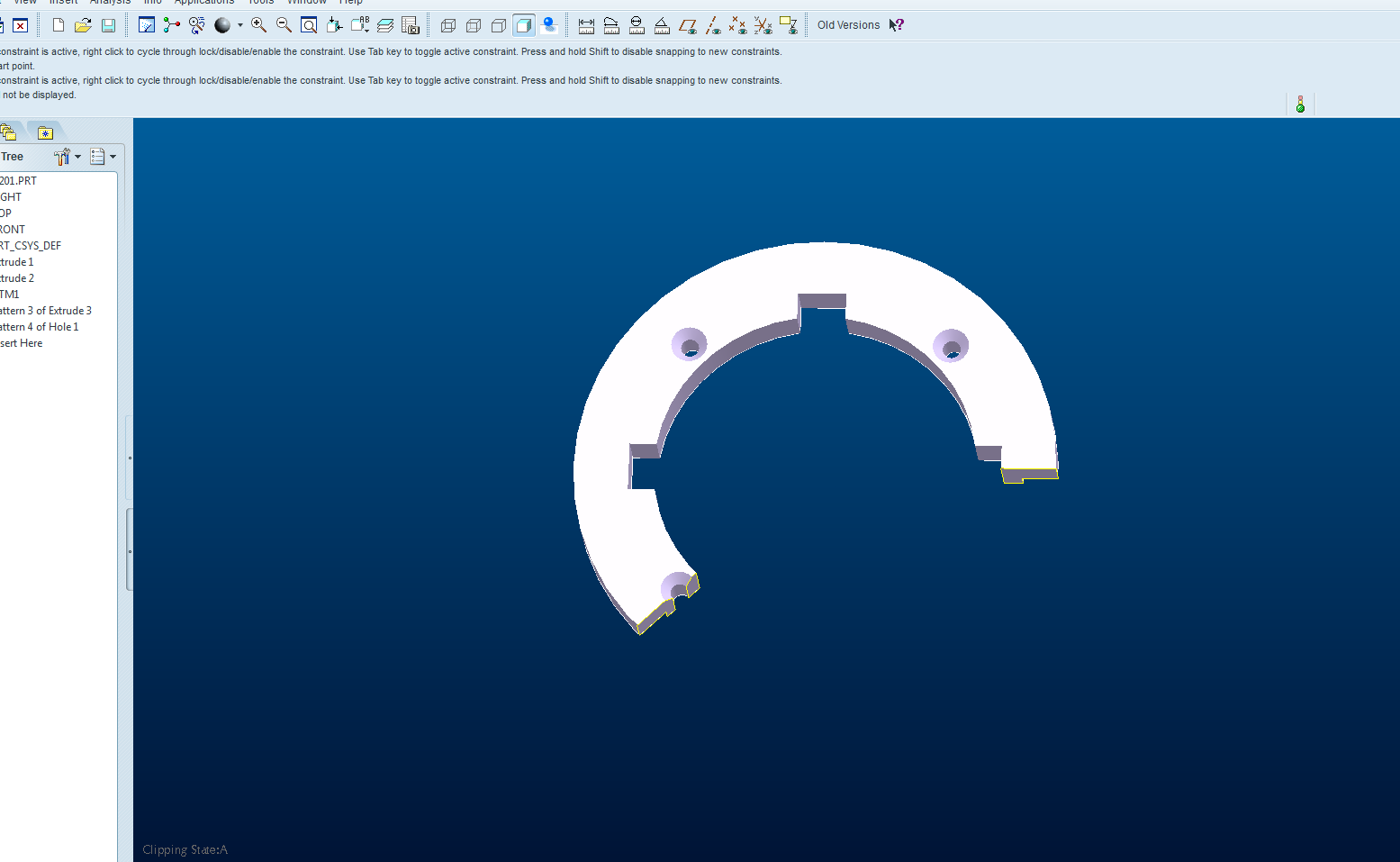
I made a offset XESC:

XSESC.png

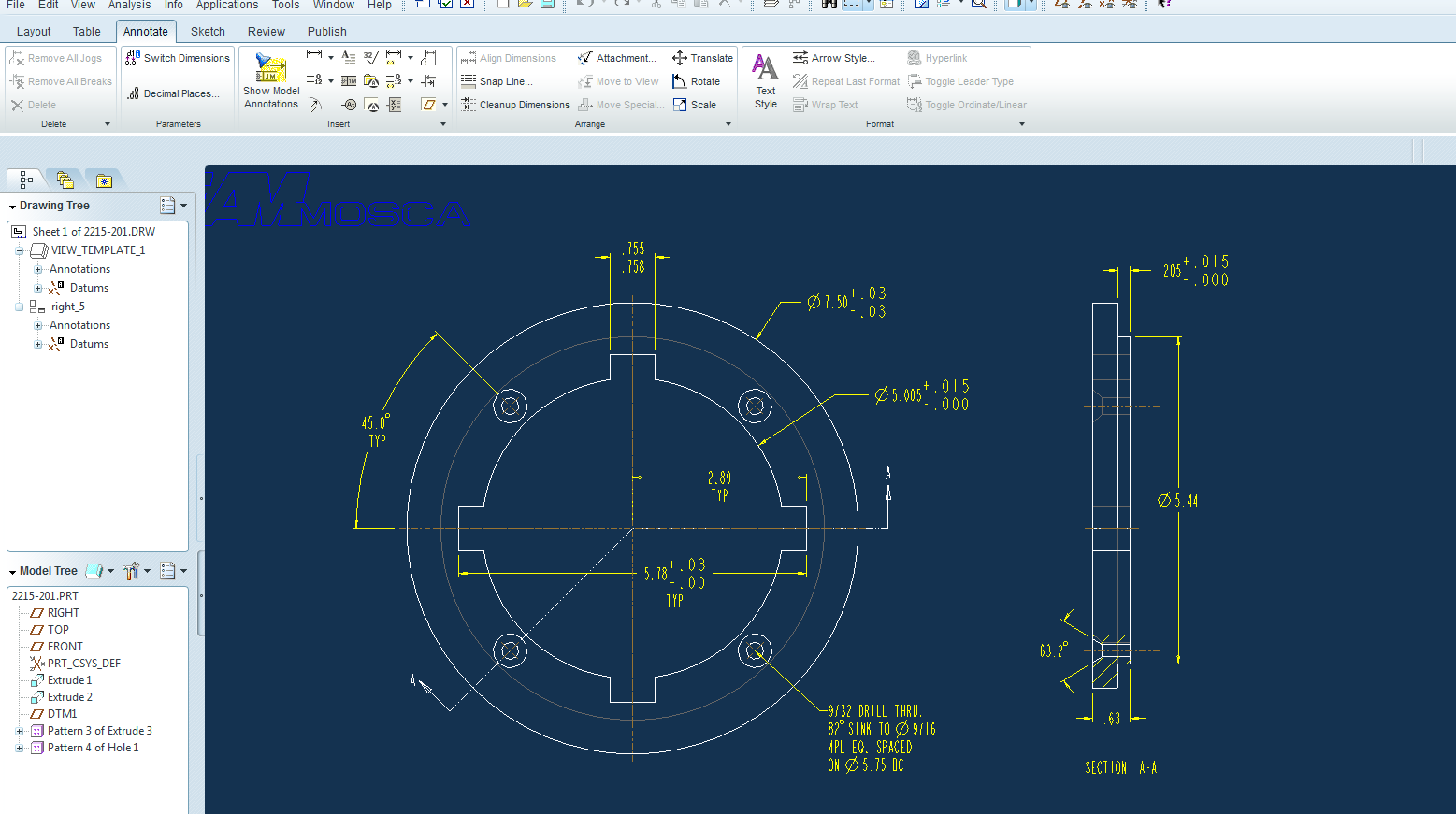
and drw:

DRW.png

Obviously, the right section view is different as dwg drawing due to it is a straight right view, not a rotated projection view as dwg showed which I want.

Appreciate friends to help me fix this issue.

Thanks,

Bill

Best answer by Mahesh_Sharma

Bill,

To get the section view in drawing as n DWG, you may convert section view to Full Aligned section.

Open properties of that view > Sections >  Change Sectioned Area from Full to Full Aligned And select the axis of part reference.

3 replies

Mahesh_Sharma
22-Sapphire I
September 16, 2016

Bill,

To get the section view in drawing as n DWG, you may convert section view to Full Aligned section.

Open properties of that view > Sections >  Change Sectioned Area from Full to Full Aligned And select the axis of part reference.

1-Visitor
August 9, 2018

hi mahesh,


i'm having the same issue, i know the procedure for aligned section view but after following all this i'm getting this error " All lines in cross section must intersect axis.  Pick another axis " which axis needs to be picked for aligned section view.


I have tried all axis randomly available in model , See attached picture of drawing and what I'm trying to do.

23-Emerald III
August 9, 2018

The way you have it drawn with the angled line would make it need to rotate around 2 axis to align. Make the line horizontal in between the vertical lines then you don't need to use an aligned section, just a normal offset x-section.


section.jpg


1-Visitor
September 17, 2016

Are you trying to make the unfolded section view? You need to put in a general view (not a projection). Then, in the section definition, select Full(Unfold) in the drop-down of the Sectioned Area portion.

unfolded.jpg

bxu1-VisitorAuthor
1-Visitor
September 20, 2016

Hi, friends,

It works just followed you guys advice.

Thanks a lot.

Bill

18-Opal
September 19, 2016

Hi Bill,

Did either Mahesh's or Roger's response help with your issue?  If so please mark one as the Correct Answer.  So other users withe the same question, may find the resolution quickly.

Thanks,

Amit