Question
Reattach Leader to note - automatically snaps to perpendicular
Using Creo 9.0.5.0.
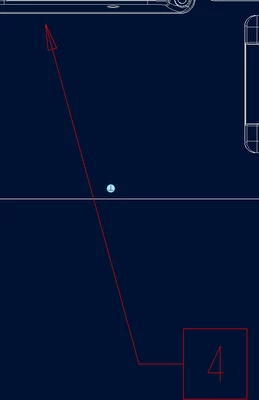
While adding a leader to an orphaned note, the leader automatically want to snap to either perpendicular to the surface to which it is being attached or to a line that it is crossing.
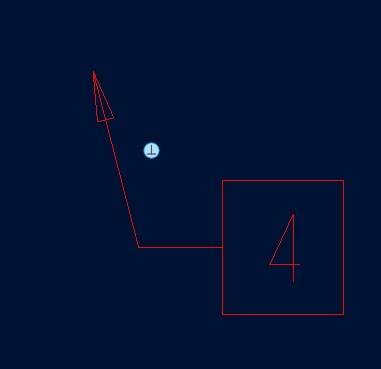
While hoovering close to the edge/object the leader is on an angle (it does have a little perpendicular symbol in a circle) but as soon as the mouse is clicked on the edge it snaps to perpendicular.
Actually as soon as I click on add a leader, this "helpful" little feature shows up.
How do I turn this "helpful" feature off? {Thanks for the help 🙂 }