

16-Pearl
September 4, 2019
Solved

Remove all breaks in an axis line

  • September 4, 2019
  • 1 reply
  • 3684 views

I have a question in drawing environment,  about axis lines that already have a break because there is a dimension there:eix_1.jpg
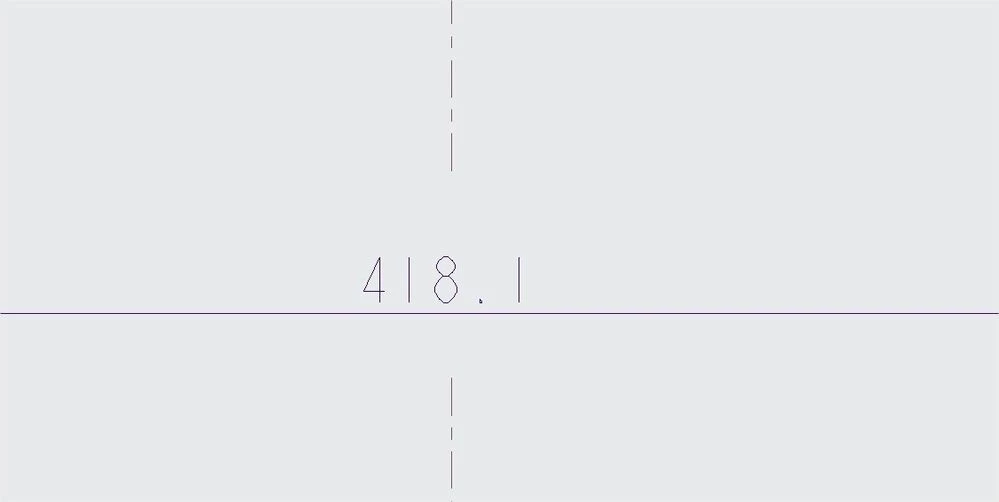
some days after, the dimension is no longer necessary, so I delete it. How can I remove the break in the axis line?

eix_2.jpg

I am using creo4. Thank you very much

Best answer by StephenW

While in the Annotate tab, select the Axis, then in the ribbon in the Delete area, there is REMOVE ALL BREAKS icon.

1 reply

StephenW23-Emerald IIIAnswer
23-Emerald III
September 5, 2019

While in the Annotate tab, select the Axis, then in the ribbon in the Delete area, there is REMOVE ALL BREAKS icon.