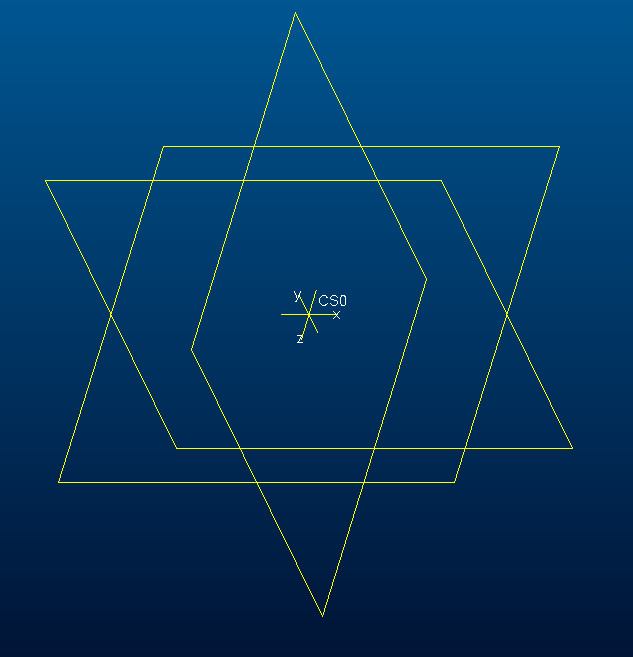
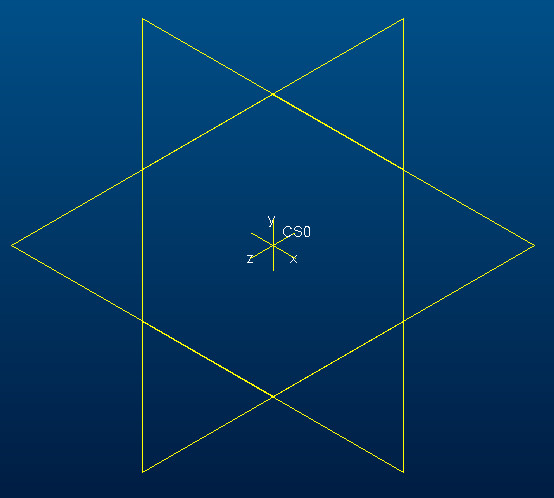
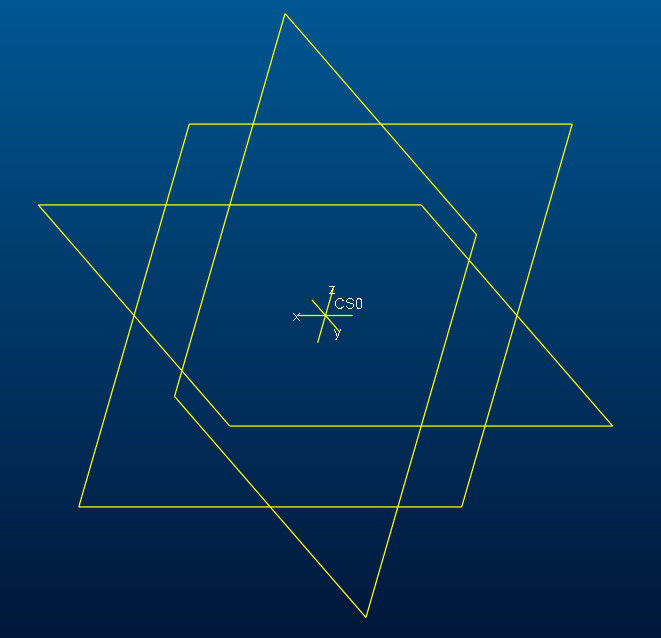
Reorientation of the coordinate point xyz planes
Hi all,
Actually i need to re orient the X Y Z plane(Default coordinate point) as mentioned in the below picture. And i do not want to delete the existing default coordinate point. So what i have done means, Just I have rotated the coordinate point(XYZ) as per my requirement and set the views and renamed the planes also. Now i have achieved what i expected.
But the problem is the standard orientation(Ctrl+D) view, I have modified all other views. When i give standard orientation view the model or assembly view shows reversible & improper view.
I have not able to modify the standard orientation view. Kindly suggest
1) how to modify standard orientation(Ctrl+D) view.
or
2) How to achieve the required view xyz coordinate point with the existing coordinate point.
3) The below mentioned x y z directions are correct? And what is the correct x y z directions?
4) What is global coordinate system directions?
5) What system PTC follows and why?
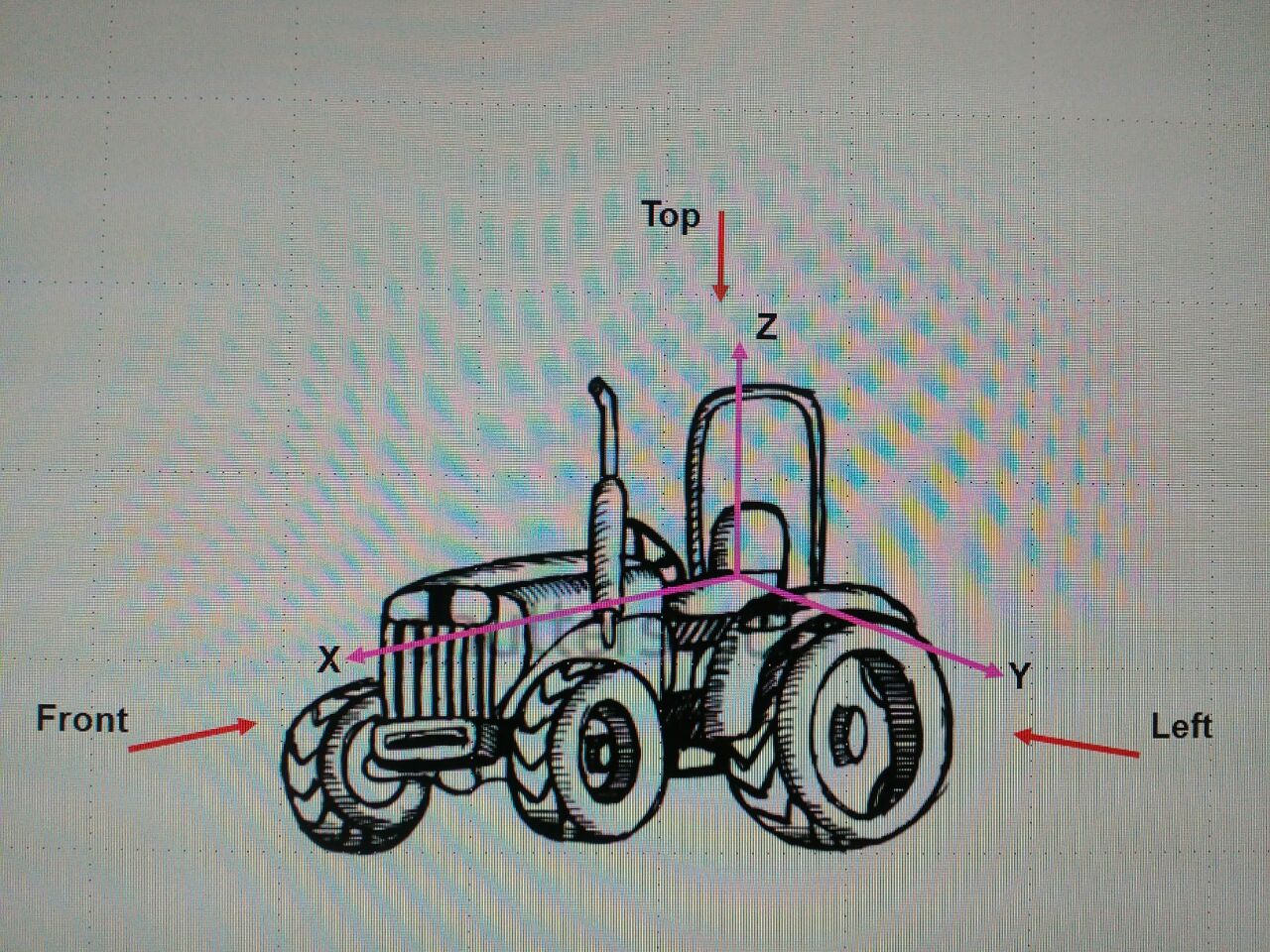
Expecting your suggestions guys. Thanks in advance
By
Uday
This thread is inactive and closed by the PTC Community Management Team. If you would like to provide a reply and re-open this thread, please notify the moderator and reference the thread. You may also use "Start a topic" button to ask a new question. Please be sure to include what version of the PTC product you are using so another community member knowledgeable about your version may be able to assist.