19-Tanzanite
April 21, 2021
Question

Right side of drawing border shifting

  • April 21, 2021
  • 1 reply
  • 2185 views

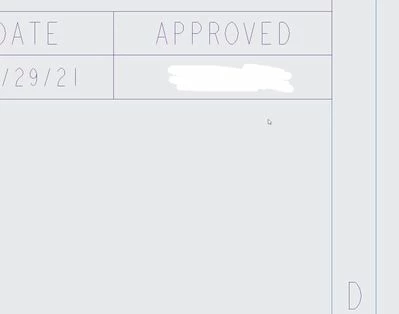
I have one drawing where the PDF does not represent what is in Creo.  For some reason it is shifting only the right side of the border format to the left.  None of our other drawings do this or if I create a new drawing with the same assembly does it do this.  If I copy the drawing to a new one, it carries over.  Here are a couple of screenshots, one of the PDF and one of the Creo drawing.  Anyone know how to fix this?
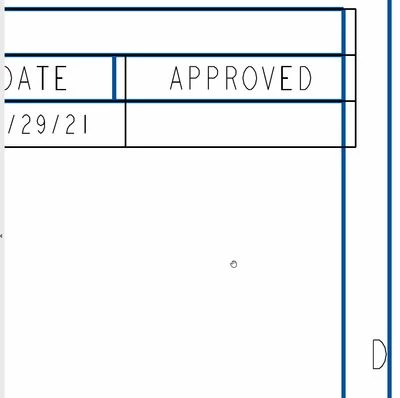
PDFPDFCreoCreo

1 reply

23-Emerald IV
April 21, 2021

Might just be a corrupted drawing.  Did you try other builds of Creo?  Is the behavior consistent on other people's computers?  If it's reproducible I'd probably send it to PTC and see what they have to say about it.

19-Tanzanite
April 21, 2021

It is reproducible on at least 2 computers.  That was what I was guessing but just wanted to see if there was something I was missing.  Or someone else had a fix.  I plan on opening a call but was hoping for a quick fix.

Chris3
21-Topaz I
April 21, 2021

Try adding the dtl option below in the drawing session that has the issue:


user_command clean_background_views


Note that this is a one time command that gets run on drawings. It is not a setting you can put into your dtl file.