
3-Newcomer
August 26, 2026
Question

Saving my models / assemblies does not always actually save the changes that I have done

  • August 26, 2026
  • 2 replies
  • 38 views
I am using Creo Parametric Release 11.0 and Datecode11.0.7.0 Some times creo doesnt save changes made. Before I quit out I regenerate and save (Ctrl + R, Ctrl + S), and the save seems to go through. When I open the part or assembly at a later time, the changes made are not saved, and I have to redo geometric changes, constraints, assemblies and such. At times, the work done, and changes made are saved as expected, at times, almost at random, the work done, and changes made are lost. I guess this is user error, and not software related, but I havent had any luck in trying to troubleshoot online. I work locally, and not towards a PLM or PDM software. Here are the errors that I faced: No error messages, the only popup is the classic "If you quit without saving ... yada yada", which pop ups even though no changes have been made. This message pop up when exiting the client, not when exiting the model / assembly.

2 replies

StephenW
23-Emerald III
August 26, 2026

This does happen on occassion. We use Windchill PDM for file storage so the scenarios for errors may be different but have some similarities.

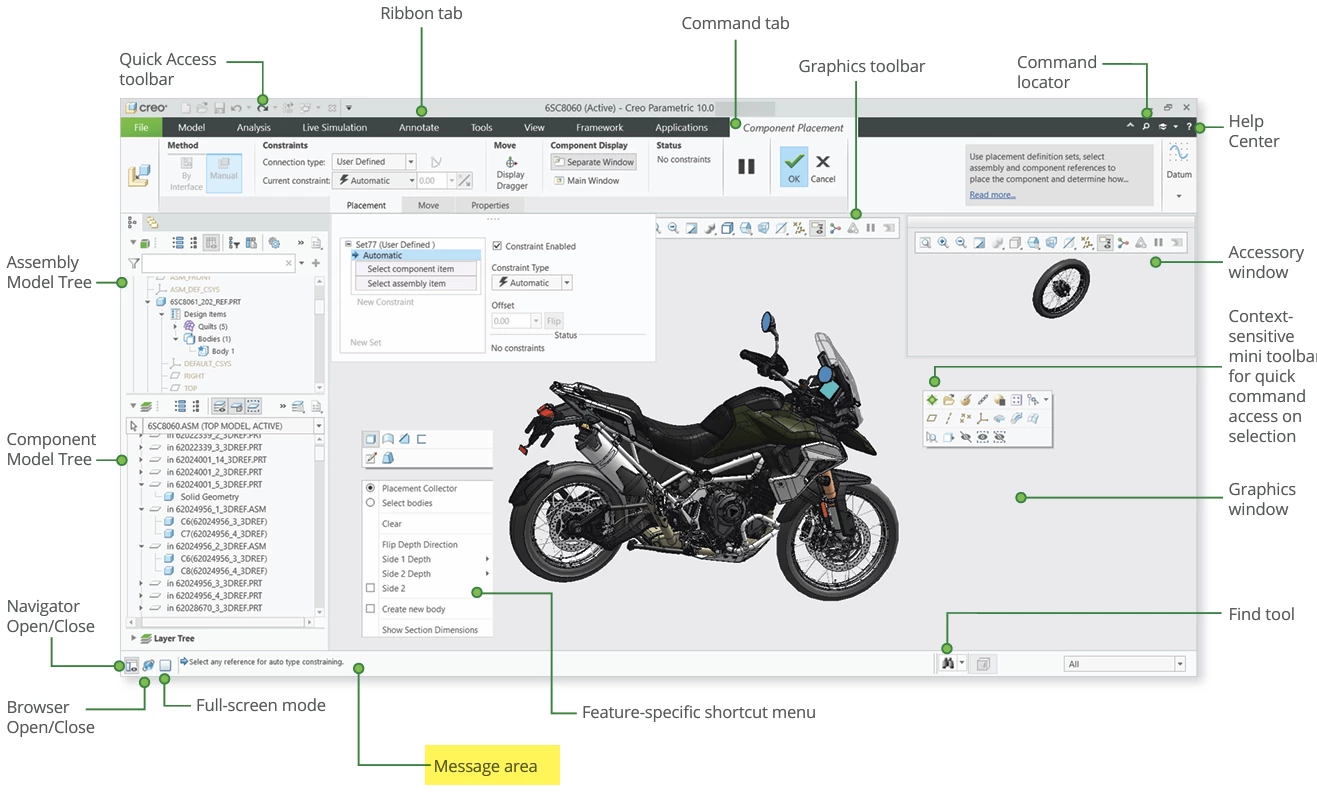
The first troubleshooting step for what I would say is very common problems is to watch message log  to make sure it says SAVED. Message logs have options to be turned off or hidden, so this may be harder on some people’s systems. If you run across the problem, review the message log or the trail file for that session of creo and see if it gave a reason for not saving. 

There are lots of other reasons, but a lot of them depend on your specfic setup.  So more details would be needed to assess those. 

tbraxton
22-Sapphire II
August 26, 2026

This could be caused by many things as already mentioned by ​@StephenW . Monitor the Creo session performance and look at the trail file(s) to confirm that the command to save the file(s) is actually executed. I would also monitor the file explorer in Windows to confirm that the saved files are actually written to disc until you find the root cause. Open the trail file immediately after a “failed” save and then look at the end of the file to see if Creo attempted to save the models. While using Creo also take note of the message area while you are working if something is not working as expected.

Note the information in the message area


If you ever use the save a backup option, it could cause the symptoms you are describing by saving models to a location other than that which is active or available when Creo is restarted. If you are using this option, then you need to understand how it works to avoid data loss.

https://support.ptc.com/help/creo/creo_pma/r12/usascii/index.html#page/fundamentals/fundamentals/To_Back_Up_a_File.html