

Question
Sharp tangent edge display
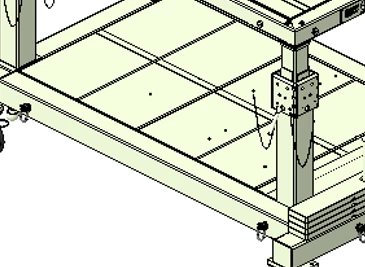
Curious how I can get my tangent edges to display as such in assembly view:
Currently, my model is displaying like this instead:
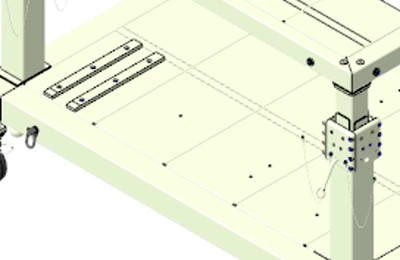
And I need to match the first image view style for a presentation I'm updating. Any idea? Been messing with settings and configuration values for over an hour trying to figure it out.