Solved
Shortcut to type in dimensions as you draw sketch elements?
(currently using the PTCU virtual desktop version of Creo parametric)
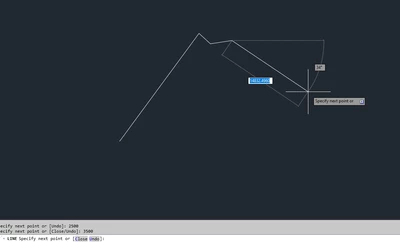
When I'm creating sketch elements, such as lines, circles, etc., is there a shortcut to immediately enter in the values as I'm drawing them? Such as, a shortcut that brings up the type-in dialogue immediately after placing the element?
Right now, it seems like the fastest way is to create the element, then press escape (if drawing a line), then close out the tool using the middle mouse button, then find and click on the little dialogue for the dimension (hoping it isn't overlapping something), THEN finally type in the dimension.
This seems very cumbersome and slow, so I wondered if there's a more streamlined process I'm not aware of.