
14-Alexandrite
February 28, 2024
Question

Show model dimensions

  • February 28, 2024
  • 2 replies
  • 871 views

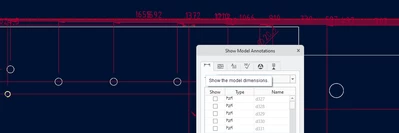
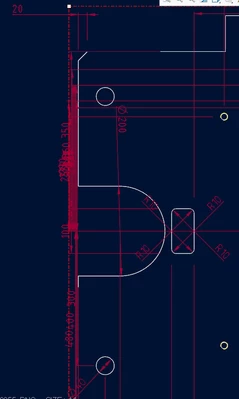
Hey, I wanted to ask if anyone knows which settings increases the distance between automatic dimensions. I am trying to pick the ones I need but they are just stacked on each other. I was trying to search through drawing settings and test every config named "offset" or having some value but couldnt find anything working. Cleaning up dimensions working okay, but I need to be able pick them out first.
RH_8252267_0-1709114415073.png

RH_8252267_1-1709114448091.png


2 replies

kdirth
21-Topaz I
21-Topaz I
February 28, 2024

There is no setting to spread out the shown dimensions.  To get fewer dimensions on the screen select the feature/features you want to annotate on screen or in the tree.  This will only show the dimensions for the selected features.

kdirth_0-1709125835517.png

vs.

kdirth_1-1709125909007.png


There is always more to learn.
14-Alexandrite
April 8, 2024

Not solved. Looking like complete mess.