Solved
Show only model annotations in top level
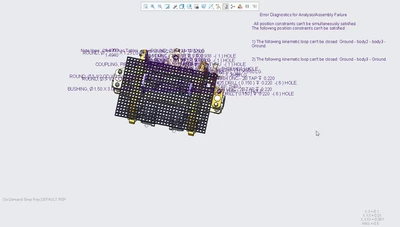
I have an assembly with a note I would like to have displayed in a combination state. When in the model I have to click on the note in the model tree in order for them to appear. If I click on the "show annotations" button the notes appear but so does every note down the piece parts which is way too many and cluttered on the screen. Once I switch combination states and go back (despite hitting the update button) the notes are gone again. How can i get only the notes/annotations in the top level assembly to show?
The show annotations dialog box has nothing in it to select or filter.