1-Visitor
April 2, 2018
Solved

Simple drafting question

  • April 2, 2018
  • 2 replies
  • 7017 views

Hey guys,


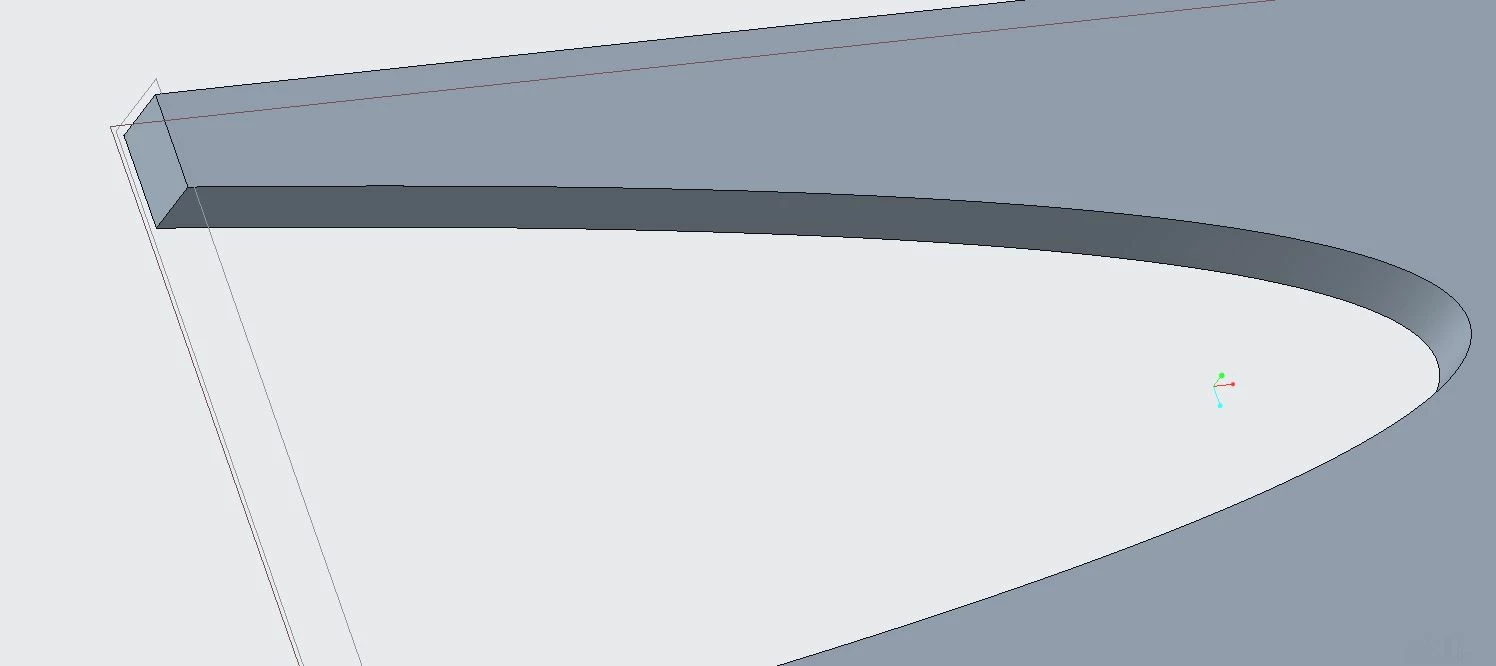
I'm trying to add draft to an inner wall of the part and I'm having some trouble. I'm using the draft feature, but I'm not sure why creo doesn't want to create a draft in this location.


Can anyone help why?


Thank you in advance.

Best answer by pimm

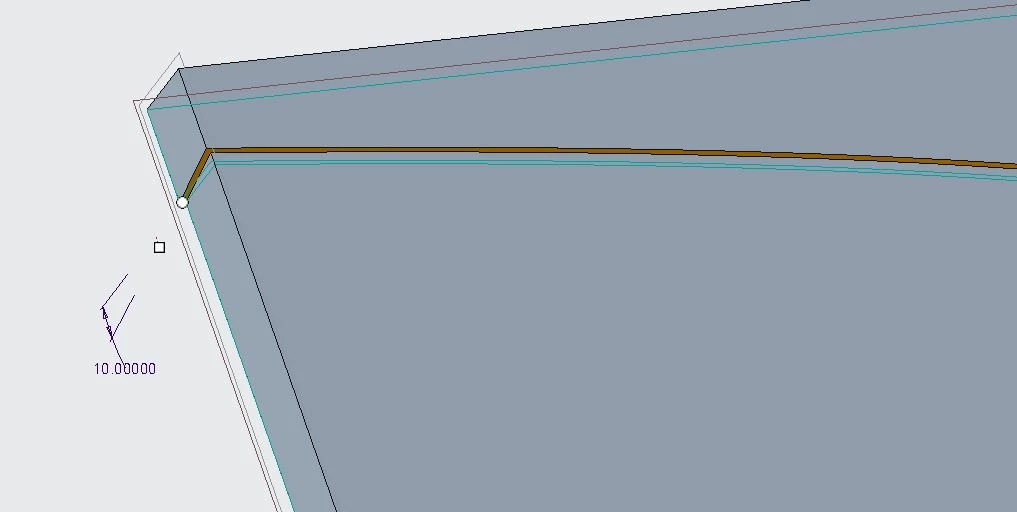
Like this

extrude.JPG


Follow that with your extrude that cuts in a little and is .1 less depth.


Then you can draft.


draft.JPG

2 replies

22-Sapphire I
April 2, 2018

Try changing the accuracy of model. Can you share the part?

jessppark1-VisitorAuthor
1-Visitor
April 2, 2018

Here's the model. what do you mean by accuracy of model?

another weird part about this is the line that separates the two extrusions I use to cut the main box. I cannot seem to make this a seemless transition.


Thank you!

22-Sapphire I
April 2, 2018

No doubt, @pimm gave a good solution, another one can be as in attached part. 

15-Moonstone
April 2, 2018

The thing that stands out to me is that there is a seam when you do your 2nd extrude in the 3rd jpeg.


If you could make the outer extrude in 1 operation which would contour inside in the middle.  Then the 2nd extrude would set inside somewhat and at the shallower depth.  That should not leave a seam.  That should allow you to draft the inside sidewall.

jessppark1-VisitorAuthor
1-Visitor
April 2, 2018

How would you make that extrusion in 1 operation? 


Thank you,

pimm15-MoonstoneAnswer
15-Moonstone
April 2, 2018

Like this

extrude.JPG


Follow that with your extrude that cuts in a little and is .1 less depth.


Then you can draft.


draft.JPG