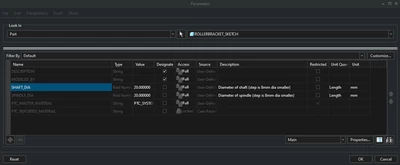
Part 2/2
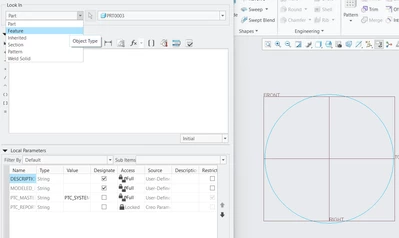
To recap there is a way to get relations in selected features that is "look in" and then selecting the feature where the parameter is being used.
I figured the best way to avoid this issue is instead of deleting the dimension with the relation it is best to change it.
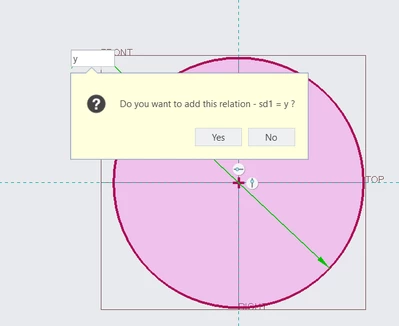
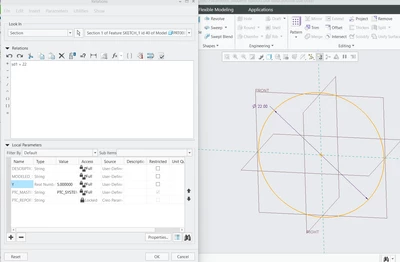
For example, I have created a new parameter y with a value of 5 again and made sd1 equal it. (Note that the diameter is now sd1 instead of sd0 since sd0 was deleted previously)
Instead of deleting said dimension to change the value I will go into relations and change the value of the dimension there so that it is not equal to y anymore.
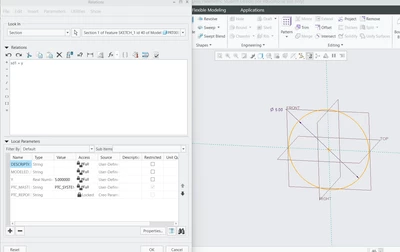
I set the value to 22 and verify the relations, the circle now has dia 22 and parameter y is not being used anywhere else and I am free to delete it.
I have made it a bit tedious but I hope it was helpful. Let me know if you have any problems.
Best regards,
Ibrahim