

Question
Single Part Surface/Reset Drawing View
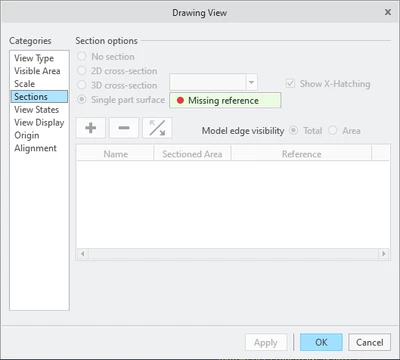
While clicking around to see what different options did, I selected Single part surface and chose a surface in my General View, applied it, and thought "oh, this is hot garbage."
Have we found a way to get out of this, or reverse it once you've chosen it? I can technically get my view back "looking" normal by choosing a surface that's not part of the part used to generate the general view, but the options are stuck like this as well as the View Display options are mostly grayed out.
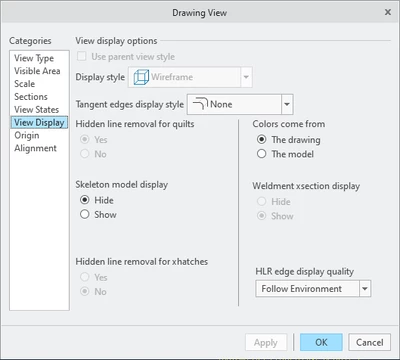
So my question is there some magical hotkey command to fix this or is there a way to reset a General View back to it's default options?
Creo 9.0.6.0