12-Amethyst
January 12, 2017
Question

Step Ucs exporting problem

  • January 12, 2017
  • 5 replies
  • 3364 views

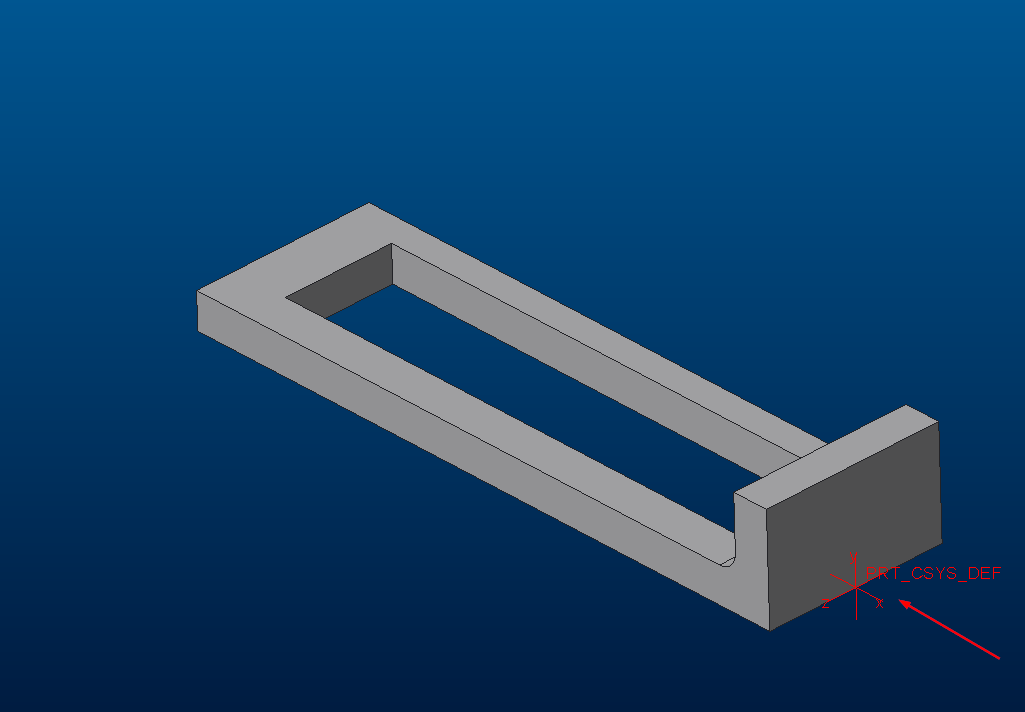
In assembly environment, If I export some parts by a specific assembly UCS in Iges format the output is correct. All generated files have the ucs I chosen.
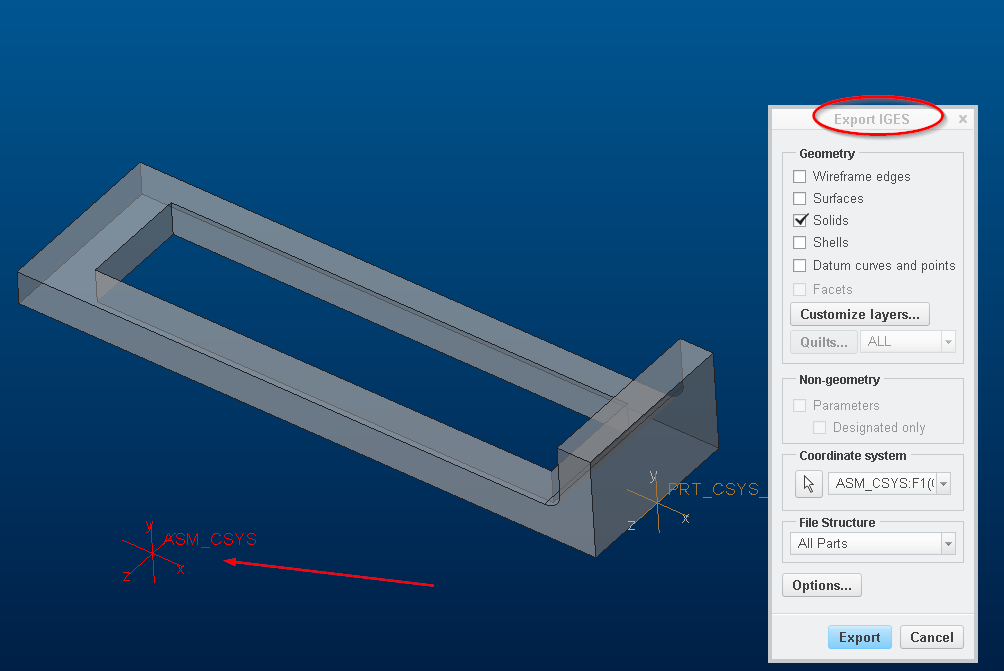
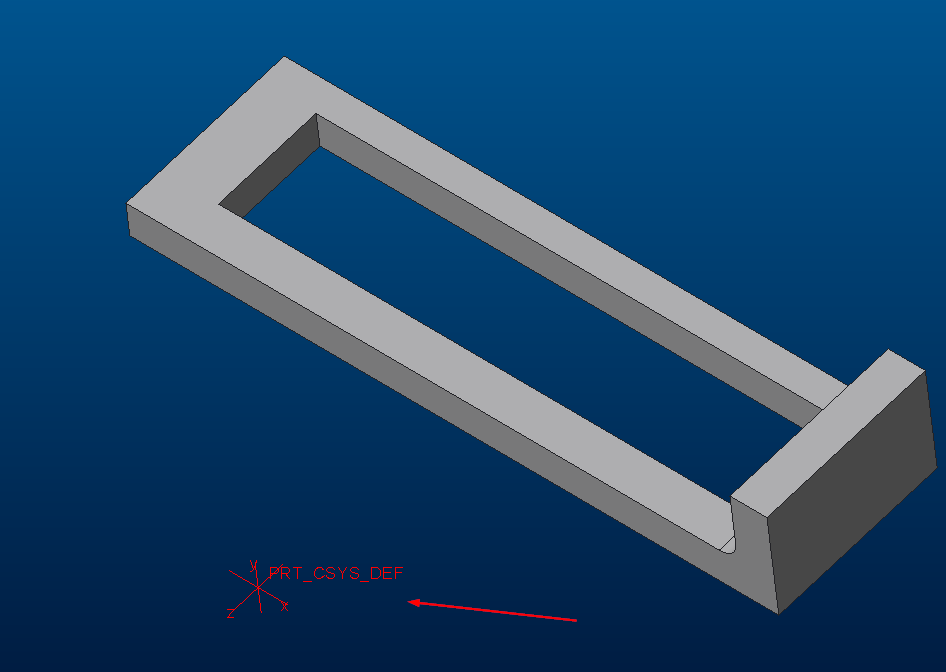
iges.png iges2.png

This does not happen in Step format. The parts always mantain original part UCS.
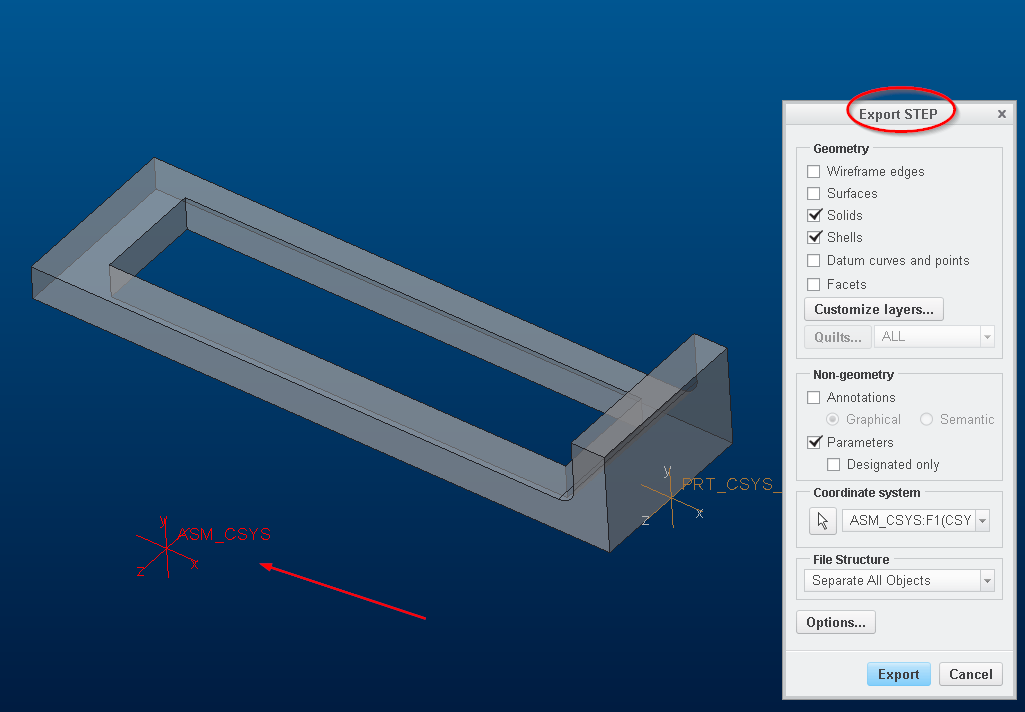
step.png step2.png


This is a big problem to us because we always export parts by project ucs and not part ucs.
Is there any solution to this?

5 replies

12-Amethyst
January 31, 2017

Any hope to see this fixed in Creo 4? On the other software we use in house this isn't a problem and parts are always exported in Step.

Creo users still export  parts in Iges due to this problem.

Hey PTC guys.....

13-Aquamarine
February 24, 2017

Wait Jose... what version of Creo are you using?

Selecting the appropriate CSYS in advance should give you the right output in STEP format. There used to be some issue with this not working right for IMPORTS but there was a setting to correct it. I've never seen this not work properly for STEP EXPORTS.

12-Amethyst
February 25, 2017

Hi Brian,

It may be a config option but I tried several options and none as worked.

I'm in Creo 3 M070, can you test in your system to see if it works?

Jose

1-Visitor
February 25, 2017

I'm not sure I'm doing the same thing that you're doing.

For instance, how do you export just 'some' parts from an assembly?

Also, it is curious as to why I don't have the "File Structure" pull-down in the Export STEP dialog box.

Anyway, I'm using Creo 3 M120, and this is what I'm getting:

Exporting an assembly to STEP using a non-default coordinate system, then importing it back will result in typical mess:

step_export.png

I don't get why Creo always makes an assembly of an assembly when importing step data, but anyway, the problem for you is that the PART_CSYS is still in its original place, but you'd like for it to be where EXPORT_CSYS is located...

So I don't have an answer, other than pointing out that the export works as you expect if you do it from part mode...

12-Amethyst
February 25, 2017

Hi,

You can export just some components using the simplified reps, I have always used this. Open Master Rep, select just the comps you need, RMB - "Representation" - "Master". At this moment if you save as Iges or Step only the included comps will be exported.

The question about "File Structure" not appearing I think it is because you are exporting in Step Ap203. I prefer using Step AP214, it seems more reliable in color/layers/parameters translation.

The default is:

step_export_format ap203_is

If you change it to this it should appear:

step_export_format ap214_is

You can even define the file structure you prefer by default with this option:

step_export_ap214_asm_def_mode

single_file *

separate_parts_only

separate_all_objects

Thanks anyway.

Jose.