
11-Garnet
December 3, 2024
Solved

Template not saving with format

  • December 3, 2024
  • 2 replies
  • 1964 views

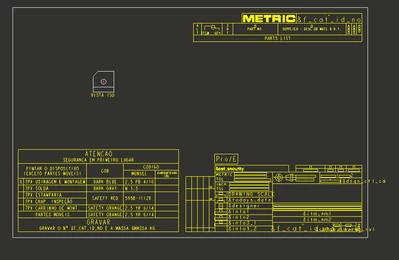
How can i make my formats save in the template, i always make all the work, save the template but when i go open, dont have any format in there, i dunno what to do anymore.
i already save as template as drw, notting works, i think i am broke thats why i have so many problems in the creo.
ND_10940562_0-1733243620129.png
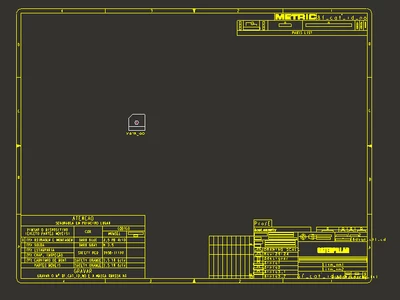
funny that one of them saved as i wanted
ND_10940562_1-1733243742149.png


Best answer by MartinHanak

Hi,

do following test:

  • start Creo
  • open drawing template
  • look into message area (in my test I opened drawing template and Creo did not find format file)

MartinHanak_0-1733295026233.png


2 replies

23-Emerald III
December 3, 2024

Did you switch the drawing type from Drawing to Template under the Tools tab?

11-Garnet
December 3, 2024

yes same results


kdirth
21-Topaz I
21-Topaz I
December 3, 2024

Are you following this process:  To Create a Drawing Template

There is always more to learn.
24-Ruby III
December 4, 2024

Hi,

do following test:

  • start Creo
  • open drawing template
  • look into message area (in my test I opened drawing template and Creo did not find format file)

MartinHanak_0-1733295026233.png


11-Garnet
December 4, 2024

Thats it my boy, really thanks you.