4-Participant
August 15, 2023
Solved

The format parameters of the 2D template are lost

  • August 15, 2023
  • 2 replies
  • 958 views

There are revision parameters in the 2D template I made, but after the new project drawing, the revision parameters are not called successfully, and the parameters are lost. How to solve this problem?
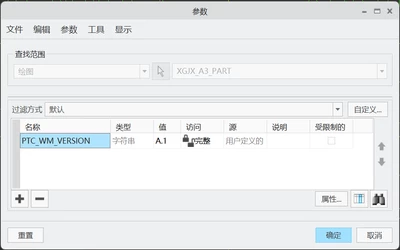
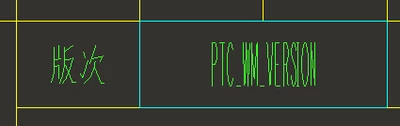
  2D template:
FQ_10478974_2-1692065771005.png

FQ_10478974_3-1692065788362.png


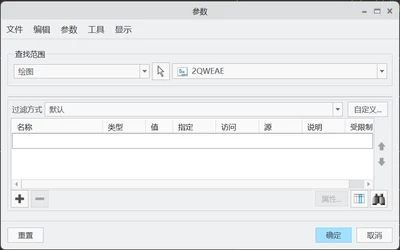
New engineering drawing:

FQ_10478974_0-1692065686627.png

FQ_10478974_1-1692065729531.png


Best answer by MartinHanak

Hi,

  • System parameters are not created nor populated at object creation
  • System parameters are only created and populated after Save and Upload to PDM servers


2 replies

24-Ruby III
August 15, 2023

Hi,

  • System parameters are not created nor populated at object creation
  • System parameters are only created and populated after Save and Upload to PDM servers


joe_morton
18-Opal
October 30, 2023

Just to add to Martin's solution:


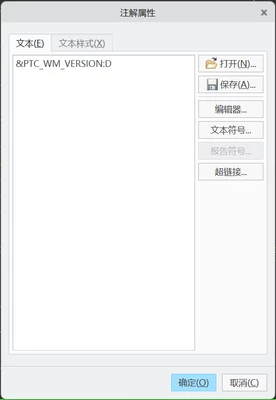
In the first image, you are showing the parameter "&PTC_WM_VERSION:D". The D on the end refers to the Drawing's parameters.

The second image is showing the Model's parameters. 


These are separate. To view the Model parameters in the drawing, the Model must be Saved and Uploaded to Windchill. To view the Drawing parameters in the drawing, the Drawing must be Saved and Uploaded to Windchill. 


Hope that helps!