Thicken/Extrusion in X direction
- 6 replies
- 3926 views
- Translate All
Hello,
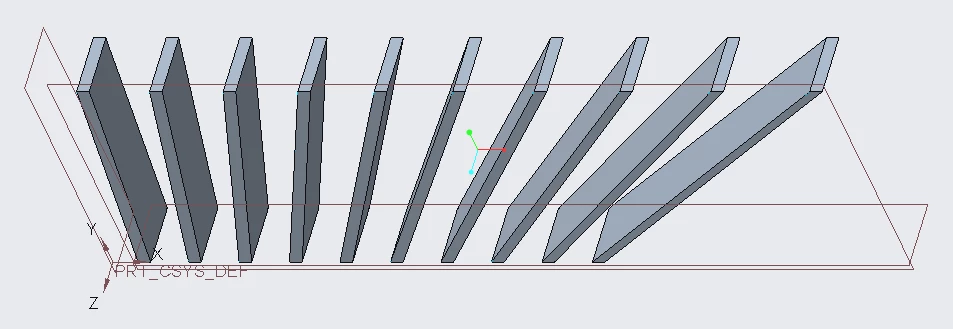
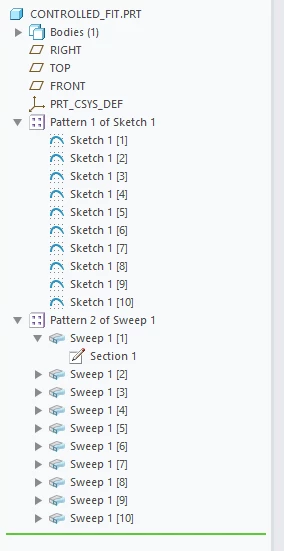
I am struggling with giving a thicken a surface in just one direction, that's the X one, and then I need to do the same for every surface I have created with a pattern.
But I have realized within the Thicken tool in Options there's Controlled fit and you can choose the direction - but I did some trials and it didn't work (it creates the thickness only normal to surface)
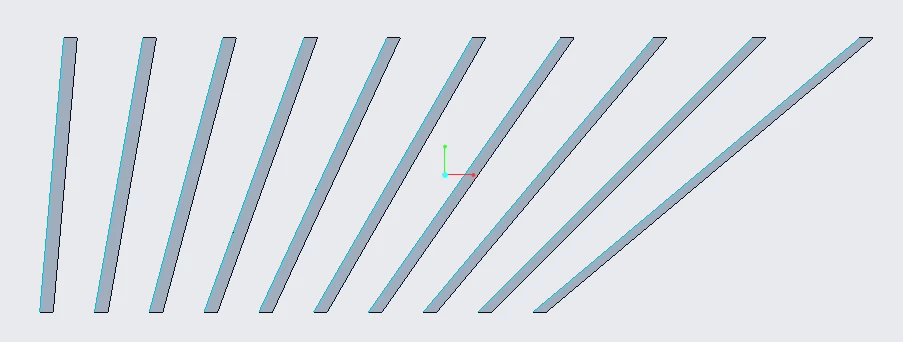
It's not too evident, but every surface is flat and focused - so the mid one is straight and the others have an inclination (the more you go to outwards the more the angle is higher).
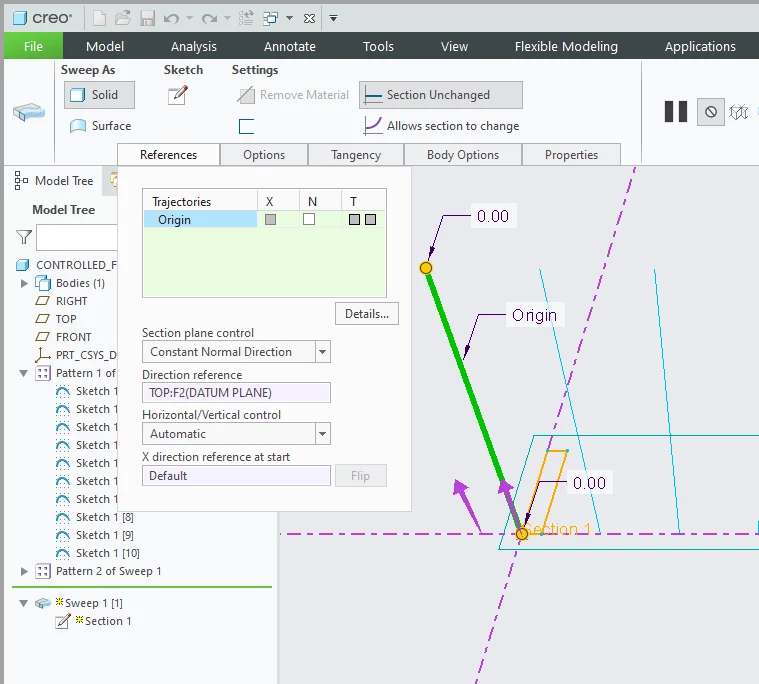
Probably I am unaware of how thicken works - anyway there is also a picture with an inclined surface to show how I apply Thicken to have the extrusion just in one direction.
Do you have any suggestion ?
Thanks a lot !
Nicola