

Three bend corner
Three bend corner
Creo Parametric does not have a standard workable way to work with three bend corners
There are some workarounds, but all have issues. I work with Creo 10.0.4.0.
This is my search for a good three bend corner which can be welded.
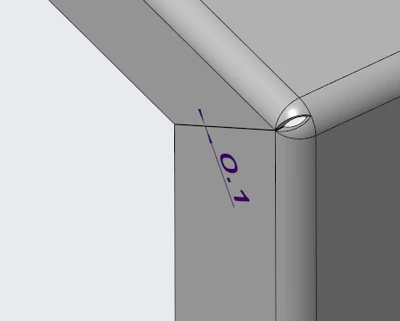
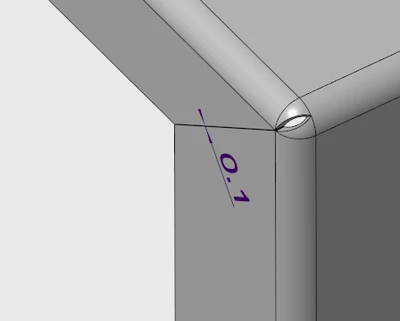
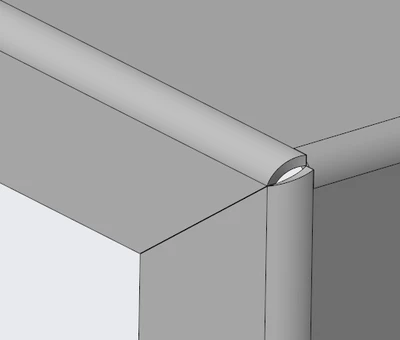
How it should look after bending
How the flat should look
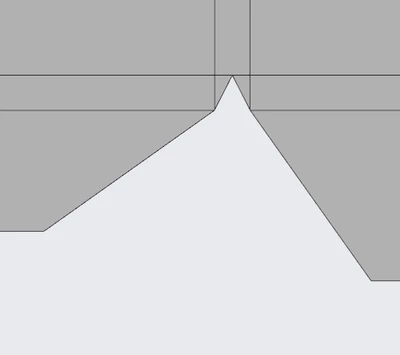
This way it is easy to weld, with the 0.1mm gap small bend mistakes do not give a problem.
Option 1
Make quilt
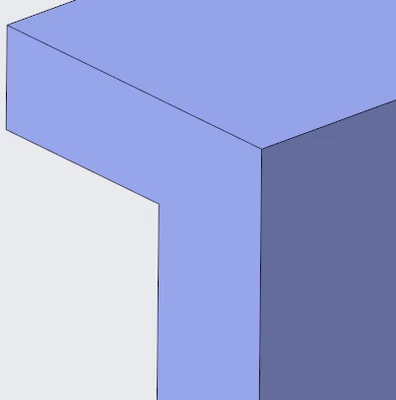
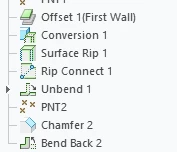
Create offset
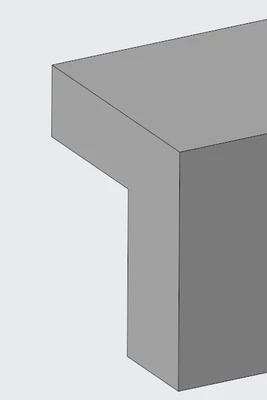
Sheetmetal conversion (no rips and bends on all edges)
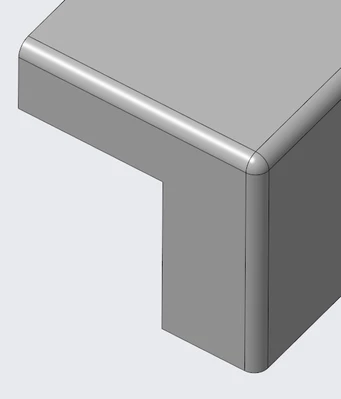
Surface rip + rip connect (0.1mm rip)
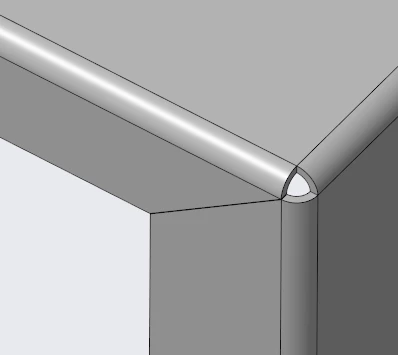
Unbend
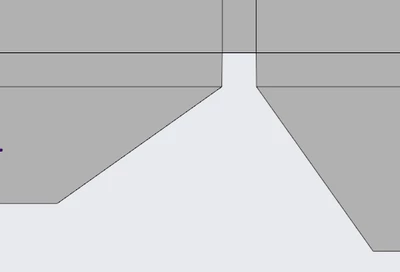
Chamfer
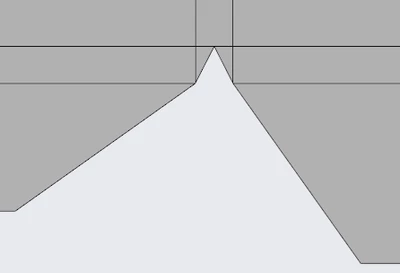
Bend back
Feature tree from offset and on:
Pro’s
- Not too many steps to create
- The 3d looks perfect
Cons
- Does not work in some cases when one or more of the bends is not 90°
- After unbend, bend back and then unbend again (sometimes after only one unbend) the result will be this.
This is not good.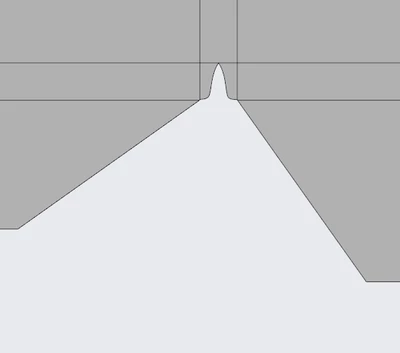
Option 2
Start with quilt but place a point on the line of the middle bend. This point should be at distance of the outer bend diameter +0.1 mm. (if there are only 90° bends) otherwise it should be further.
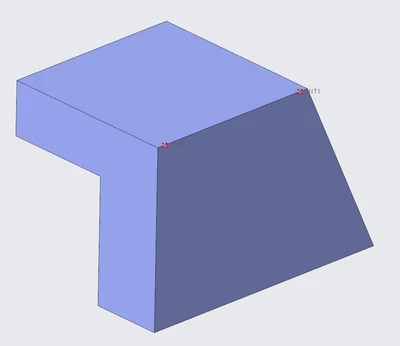
Create an offset and then start sheetmetal conversion.
Make an edge rip on the middle bend but trim at the point
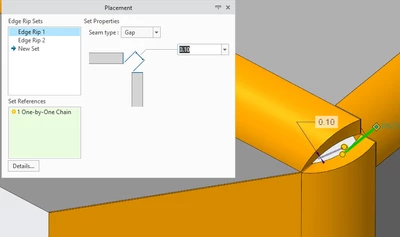
In the sheetmetal conversion create a rip connect (thickness 0.1)
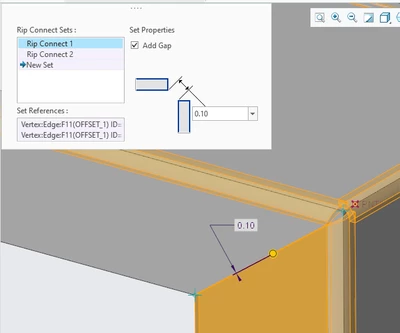
Problem:
If you look close after unbend the two diagonal lines do not meet.
After making the flat, the laser software gives an error on this.
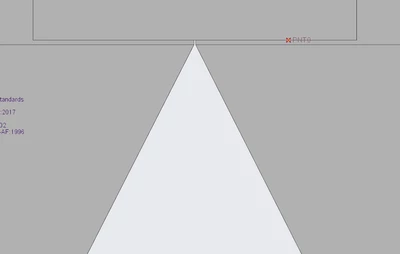
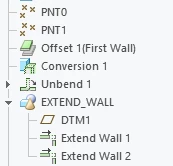
With Extend wall features (after unbending) you can make the lines meet in the middle of the bend.
(our dxf generator for the laser cuts does not export the lines of the flat which have zero gap, that is how we want it, also in this case.)
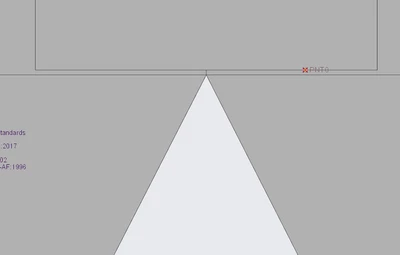
Result:
Feature tree
Pro’s
- It is the most stable way to do it in Creo Parametric
Problems:
- This is an over complicated way to make corner reliefs with too many steps
- When there are non 90° bends it becomes more complicated to make the diagonal lines meet.
- In 3D it does not look as it would in real life.
Option 3
Make quilt
Create offset
Sheetmetal conversion (no rips and bends on all edges)
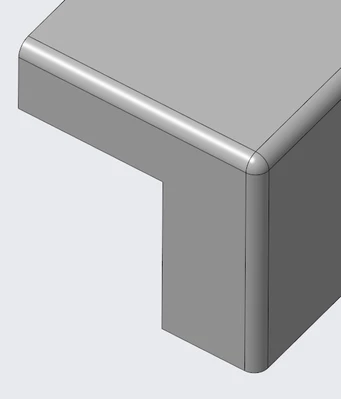
Create a sketched rip (exclude bend surface)
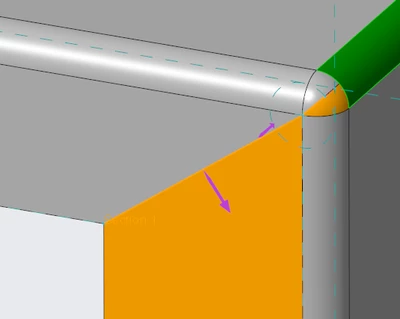
Result:
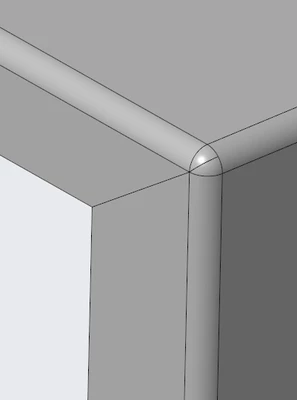
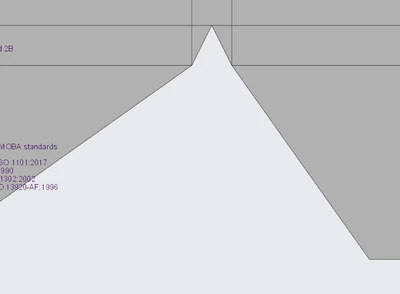
Model tree from offset
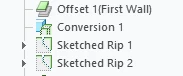
Pro’s
- Not many steps
- Also works easy with non 90° bends
Cons
- 0.1mm rip not possible
- Does sometimes not work in combination with other corner reliefs
- Our Universal worker can’t generate a DXF
- Because the 0.1mm rip is not possible it is harder to place 3D weld features.
Option 4
Option 4a
Create two bends with Flat feature
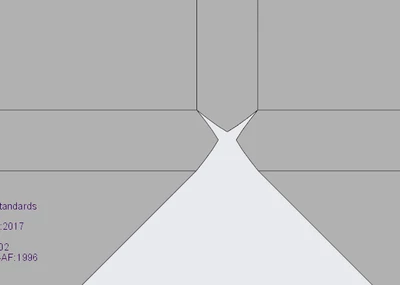
Use miter cut with 3 bend corner relief Rip
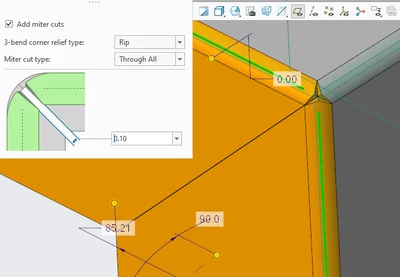
Flat:
Pro’s
- Easy to set up
Cons
- Corner gives problems with laser software or it would burn the corner
- You need to weld two lines which does not give a nice result
- Not available with sheetmetal conversion
Option 4b
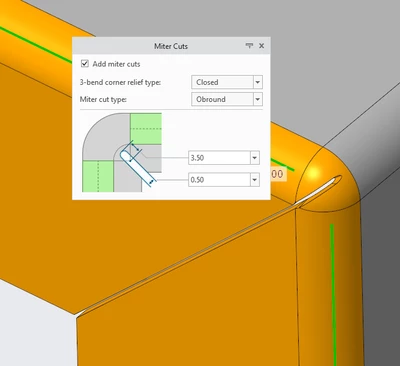
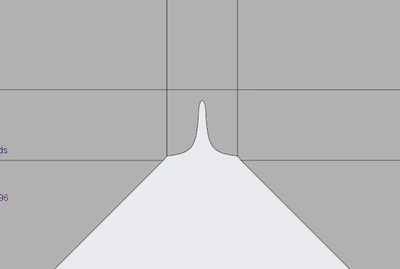
Flat:
Pro’s
- Easy to set up
- Looks alright in 3D
Cons
- Flat is not good
- Not available in Sheetmetal conversion
- Round in the middle is not round but a spline in the flat.
- With rip gap of 0.1mm the Unbend feature fails (not with 0.5mm)
Conclusion
Creo lacks good functionality for three bend corners. None of the options are good.
Does anybody have a better way? It needs to be welded nicely (and sometimes watertight)