Question
Using the screw feature in creo
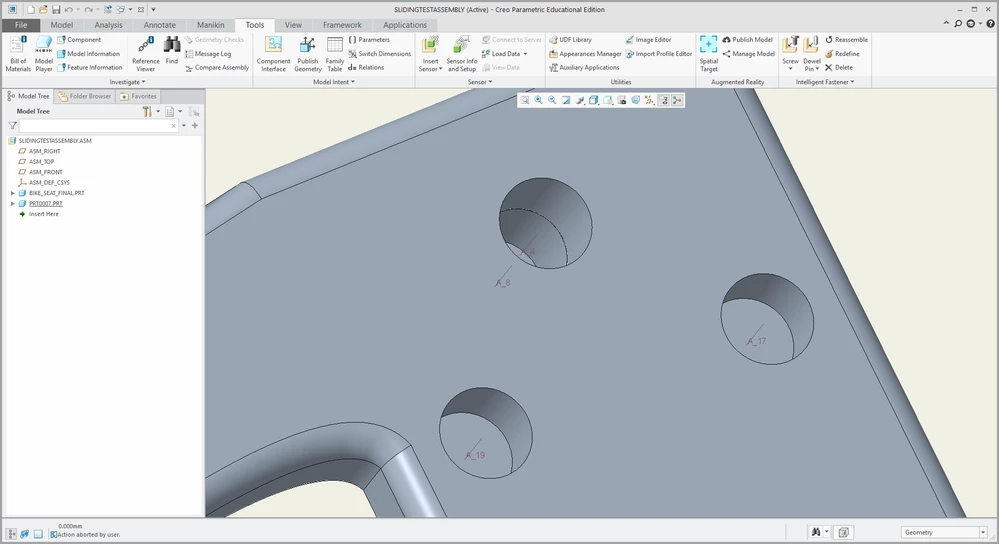
Okay, so I've created two holes coincident which have axis A4 and A8 as shown below. I want to add a flat end screw which will stop at the bottom, with the bottom of the screw being flush with the bottom of the hole A8, however when I go to 'Tools' > 'Screw' and add the constraints, it places a screw which goes past my hole A8 until it reaches the other side of my surface. How do I constraint it so the screw stops when it reaches the bottom of the hole?
I'm guessing Its me that's selecting the wrong things in the 'screw' placement settings