17-Peridot
December 19, 2018
Solved

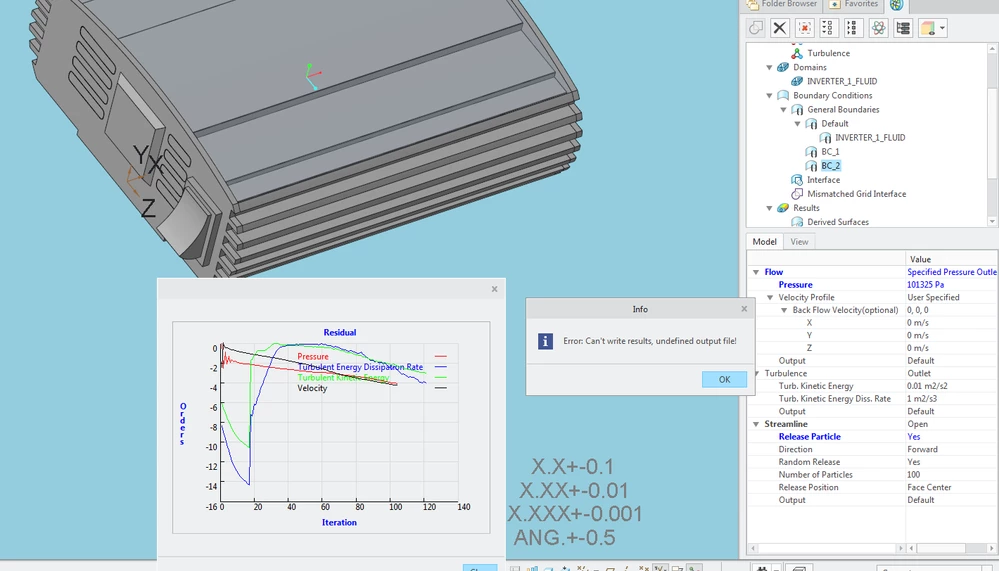
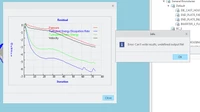
Creo flow analysis : Error:can't write results,underfined output file!
  • December 19, 2018
  • 2 replies
  • 9809 views

QQ图片20181219113822.pngHI,

I'm new here, this is a simple example,Detailed setup as blow, the mesh genrationQQ图片20181219124105.png the inflow boundary condition is 0.3m/sQQ图片20181219122950.png  and the outflow boundary condition isQQ图片20181219123414.pngand click Run icon, For a little while ,the soft pop up the dialogue box,QQ图片20181219124908.pngWhat am I supposed to do?  I'll uploap the files,Creo 4.0.Thanks in advance!
Best answer by zemanekp

I had to solve the same error yesterday. It was caused by NON-ASCII characters at the path to the working directory.

It seems, that Creo CFD module doesn’t support “Unicode” fully.


PZ


(probably this is not up to date reply, but it could be useful for someone else…)

2 replies

zemanekp14-AlexandriteAnswer
14-Alexandrite
June 12, 2019

I had to solve the same error yesterday. It was caused by NON-ASCII characters at the path to the working directory.

It seems, that Creo CFD module doesn’t support “Unicode” fully.


PZ


(probably this is not up to date reply, but it could be useful for someone else…)

bduncan17-PeridotAuthor
17-Peridot
June 13, 2019

YES,I have solve this problem BTW,Did YOU INSTALL CREO 6.0.1.0?

14-Alexandrite
June 13, 2019

Yes, I've solved this issue just for 6.0.1.0...