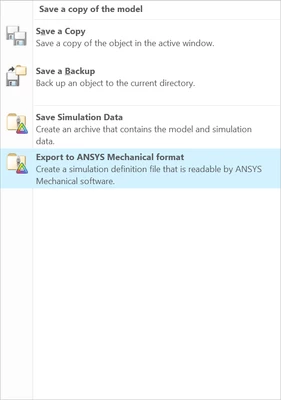
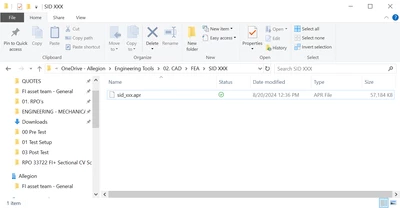
Contacted PTC support. They confirmed that the dialogue stating that the .casdat file was created successfully was a glitch. It's been reported to R&D: Article - CS426242 - Ansys Mechanical Project (*.casdat) file is not displayed in the File Explorer folder but the Message Log area displays <file name>.casdat created successfully in Ansys Simulation of Creo Parametric (ptc.com)
Also, it appears that the only reliable way to get this command to work is if you create a study and run the study successfully. If you do that, and then use the command, it will work. So, for my purposes, I won't be able to simply create a basic model with Materials and some basic load conditions assigned, and then forward that on to my specialized FEA team. I need to do all of the clean up/de-featuring, contact definition, etc myself before I'm able to share the .casdat file...
Lastly, note that after exporting, suppose you decide to delete that study and start a new study. Suppose you do not add any information to this study and simply try to export this new, blank study as a .casdat file. The file will be created using the data from the prior study... This is problematic since it shows the potential for exporting outdated studies...