

Question
Fill pattern style (help)
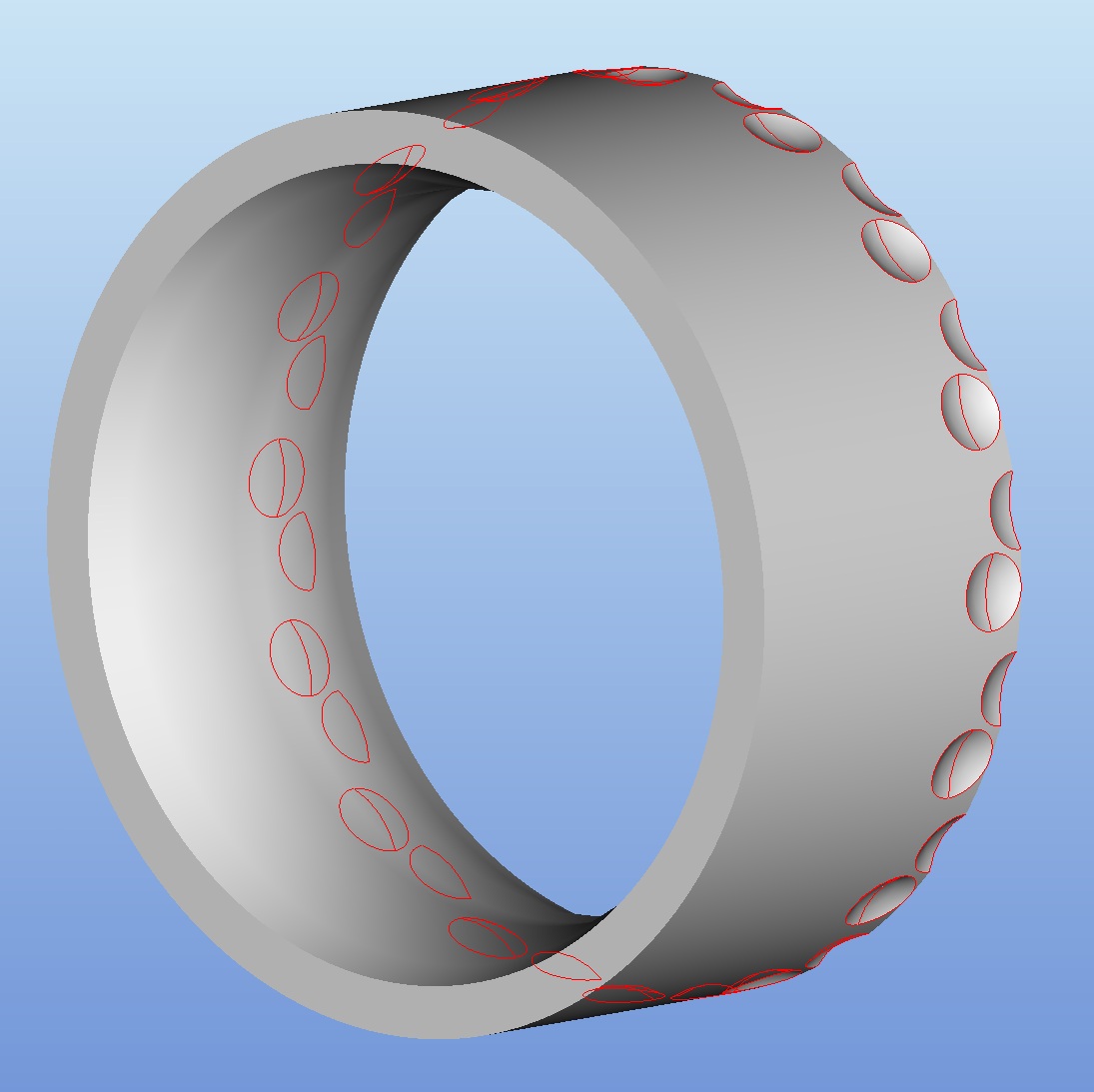
I've never used the fill option when creating a pattern and maybe this isn't even the right function that I trying to accomplish, any help would be great. I have a ring and I want to pattern a cut round, around the ring. I can figure out how many will fit and enter the quantity of instances to pattern and the angle. However is it possible to use the fill function or something similar so that pro/e will automatically calculate how many instances will fit around a given surface?
Here is a picture to help you understand. In the image I have two dimples that are grouped together and then patterned.
This thread is inactive and closed by the PTC Community Management Team. If you would like to provide a reply and re-open this thread, please notify the moderator and reference the thread. You may also use "Start a topic" button to ask a new question. Please be sure to include what version of the PTC product you are using so another community member knowledgeable about your version may be able to assist.