

Question
Framework in Simulate Lite
Hello,
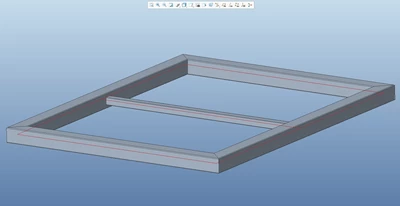
I am using CREO Parametric 5.0.2.0. I performed simulation of frame, made in Framework, in Simulate Lite (as picture bellow) and everything went fine.
But when I moved middle beam, so the surfaces of all beams are coplanar, I get error (pictures bellow).
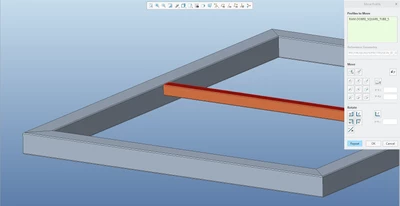
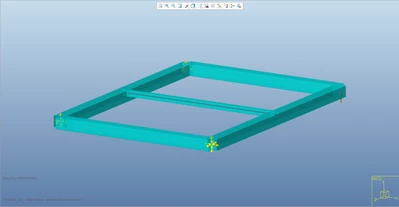
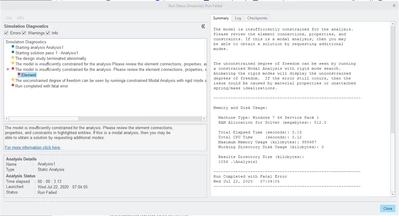
As I understand it right, it is because I moved beam out of its original axis and now Simulate considers this beam as non constrained to other beams. Is there any solution, so I do not have to move beams to their original positions, every time I would like to perform simulation?