
1-Visitor
January 10, 2019
Solved

Graphic Card not support by Creo Simulation Live

  • January 10, 2019
  • 2 replies
  • 12343 views

During the installation of Creo 5.0.3.0 
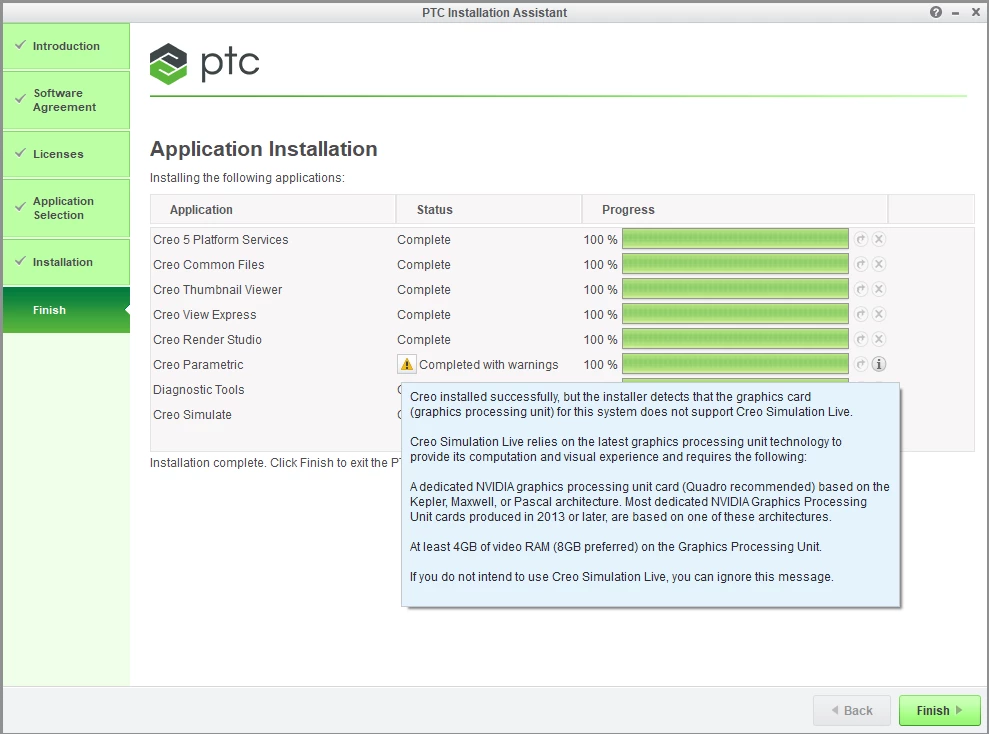
  • creo.png

May laptop card is a GeForce GTX 860M (nvidia specifications)

PTC requires:
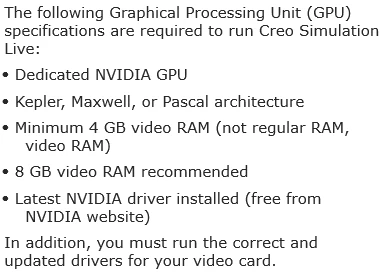
 

  • req.png


Why does my card is not supported?
It is based on Maxwell architecture, has 4GB Ram and the latest drivers.


PS: During execution on a simulation, Ia also get this error:
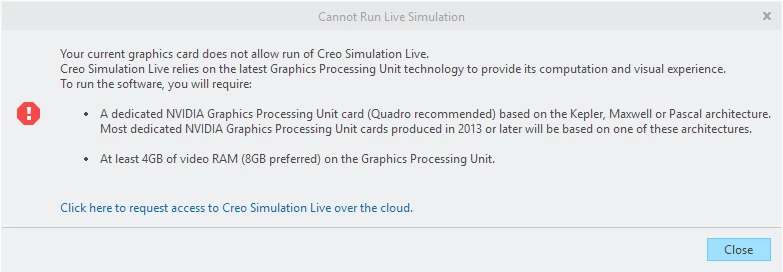
  • error.png


PS2: I was wrong about the 4GB. It is 2GB Ram Video Card. It this that is blocking the execution of a simulation?

Best answer by ToddKraft

jgoncalves,


We have some cases where a 2GB card does work within Creo Simulation Live.  I recommend upgrading to the latest Nvidia graphics driver for your machine and try running CSL again.   You have a Cuda enabled card, so hopefully it is just an out of date driver and then things will work for you.


Thanks,
Todd Kraft

2 replies

ToddKraft16-PearlAnswer
16-Pearl
January 10, 2019

jgoncalves,


We have some cases where a 2GB card does work within Creo Simulation Live.  I recommend upgrading to the latest Nvidia graphics driver for your machine and try running CSL again.   You have a Cuda enabled card, so hopefully it is just an out of date driver and then things will work for you.


Thanks,
Todd Kraft

1-Visitor
January 10, 2019

Thank you ToddKraft.


I was relying on the Nvidia GeForce Experience to update my graphic card.

I ran Device Manager (Windows 10) and got a newer driver.

It is working now.


5-Regular Member
November 6, 2019

Yes, 2GB would prevent the solution working correctly.