
1-Visitor
October 30, 2014
Solved

Pattern Problem

  • October 30, 2014
  • 2 replies
  • 3042 views

Morning All,

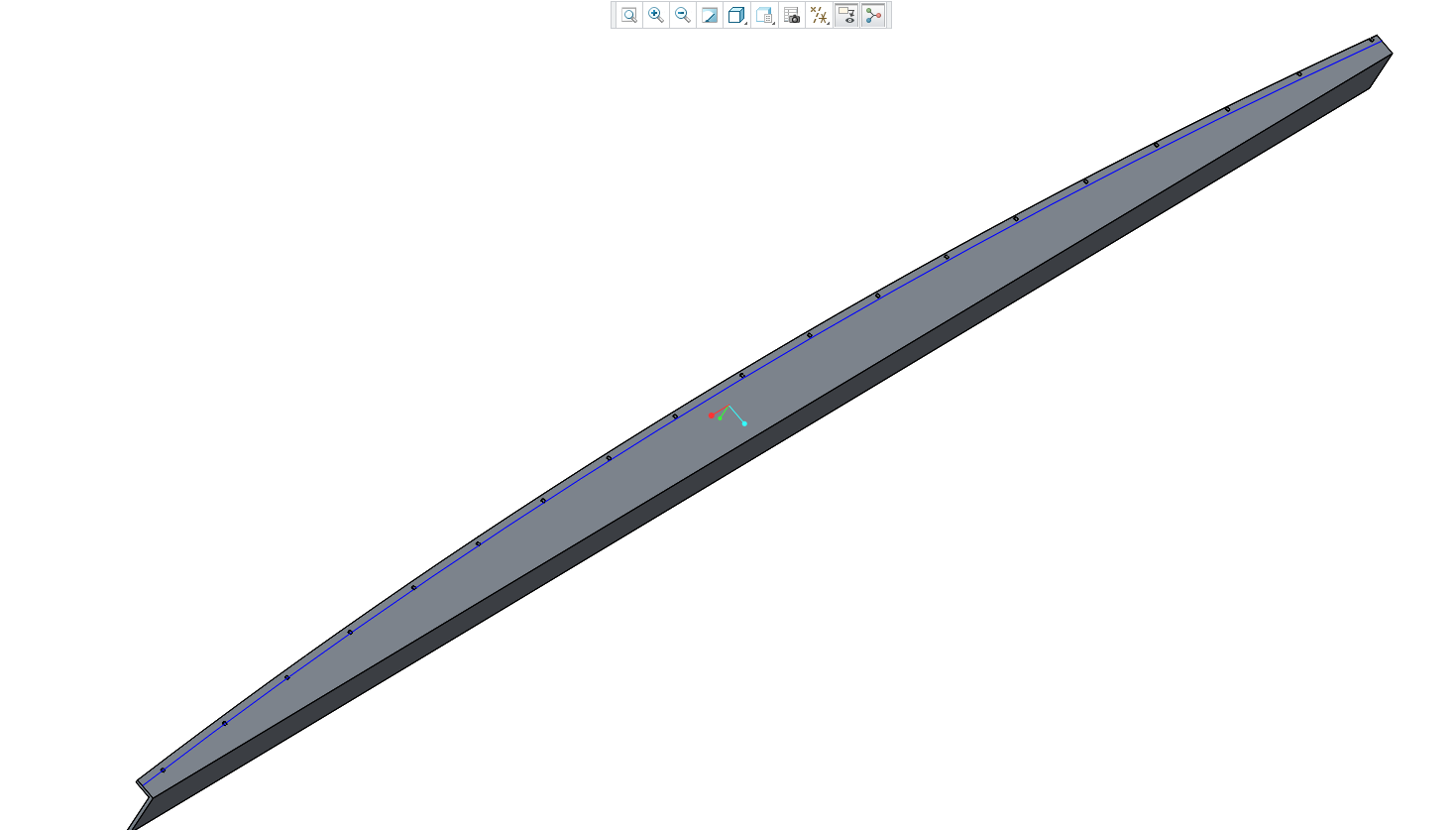
I'm struggling with the pattern function in Creo 3. See image below.
Patten-Problem.PNG

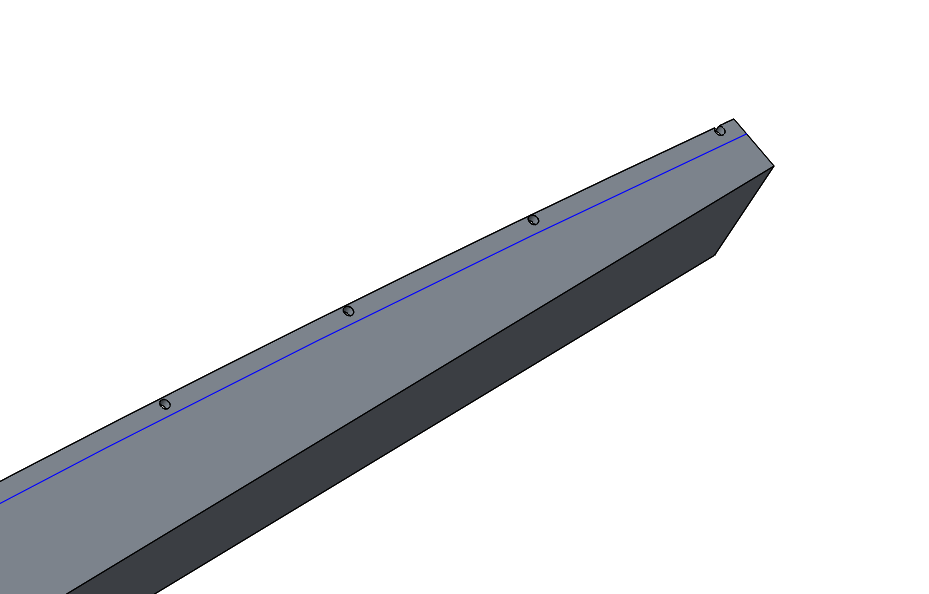
Basically, I'm trying to pattern a hole feature along a sketch line on the face of this component. But no matter what I do or what settings I change the hole pattern runs off the sketch.

The base component is 2.8m long, its a ø6mm hole and the spacing is 150mm pitch. The first hole is bang on the sketch line but by the end of the pattern

it looks like this....
Patten-Problem2.PNG

Any ideas what I'm doing wrong????

Thanks. James


This thread is inactive and closed by the PTC Community Management Team. If you would like to provide a reply and re-open this thread, please notify the moderator and reference the thread. You may also use "Start a topic" button to ask a new question. Please be sure to include what version of the PTC product you are using so another community member knowledgeable about your version may be able to assist.
Best answer by TomD.inPDX

During pattern creation, see if you have the option for an alternate origin under options.

If this doesn't work, try a point pattern. Place a point on the curve and set a ratio value or real value. Now pattern the point using the value for the point's location along the curve. Now create your first hole on the 1st point of the pattern. Then pattern the hole using a point pattern and again, select an alternate origin making sure the hole patterns correctly. You should be able to get a reference pattern option but if that fails, select the point pattern

2 replies

24-Ruby III
October 30, 2014

James,

can you upload your part ?

Click Use advanced editor (top right corner) and the use Browse button.

Martin Hanak

17-Peridot
October 30, 2014

During pattern creation, see if you have the option for an alternate origin under options.

If this doesn't work, try a point pattern. Place a point on the curve and set a ratio value or real value. Now pattern the point using the value for the point's location along the curve. Now create your first hole on the 1st point of the pattern. Then pattern the hole using a point pattern and again, select an alternate origin making sure the hole patterns correctly. You should be able to get a reference pattern option but if that fails, select the point pattern

JamesM1-VisitorAuthor
1-Visitor
October 30, 2014

Thanks Antonius,

Setting the origin to the start of the sketch line corrects the problem

James.