
1-Visitor
August 27, 2014
Question

Can I editor the image in Arbortext Editor under the circumstances do not change the picture file?

  • August 27, 2014
  • 1 reply
  • 3463 views

Dear All,

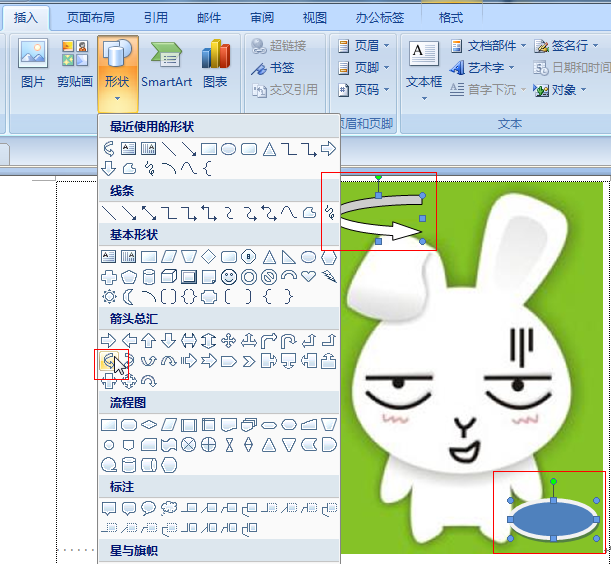
I have question that we need add some sign (like arrowhead) in the picture, but we didn't want change the picture file.

Can I editor the image in Arbortext Editor under the circumstances do not change the picture file?

In office word, we can add somthing like these, it likes a layers on the original picture.
ptc1.png

Could you give me any tips please? Thank you very very much!!!

Best Regards

Lorin

1 reply

1-Visitor
August 27, 2014

Hi Lorin,

I've never seen a way to do this. I guess you have to edit the image file directly.

lxie11-VisitorAuthor
1-Visitor
August 28, 2014

Hi Robson,

Because the client have a image library, they want add some sign in the image, and they don't want to edit the image file.

I find the imagemap allows you to designate a linkable area or region over an image, these may not edit the image.

But for add some sign in the image, as you said, maybe we can't realize it...

Thank you very much for your help!

18-Opal
August 28, 2014

You can make new arrows in a cad program and bring them in to the library. See this link http://communities.ptc.com/blogs/vpalffy/2011/03/29/add-library-parts-for-arbortext-isodraw-71

Bryon