
1-Visitor
March 20, 2012
Question

Cursor info not displaying

  • March 20, 2012
  • 3 replies
  • 2975 views

So Ive run into a problem and can not find any solution on the internet for Isodraw 7.2 cursor info not being able to display. I thought if I reset to factory settings or deleted my preferences it would help but still no solution.
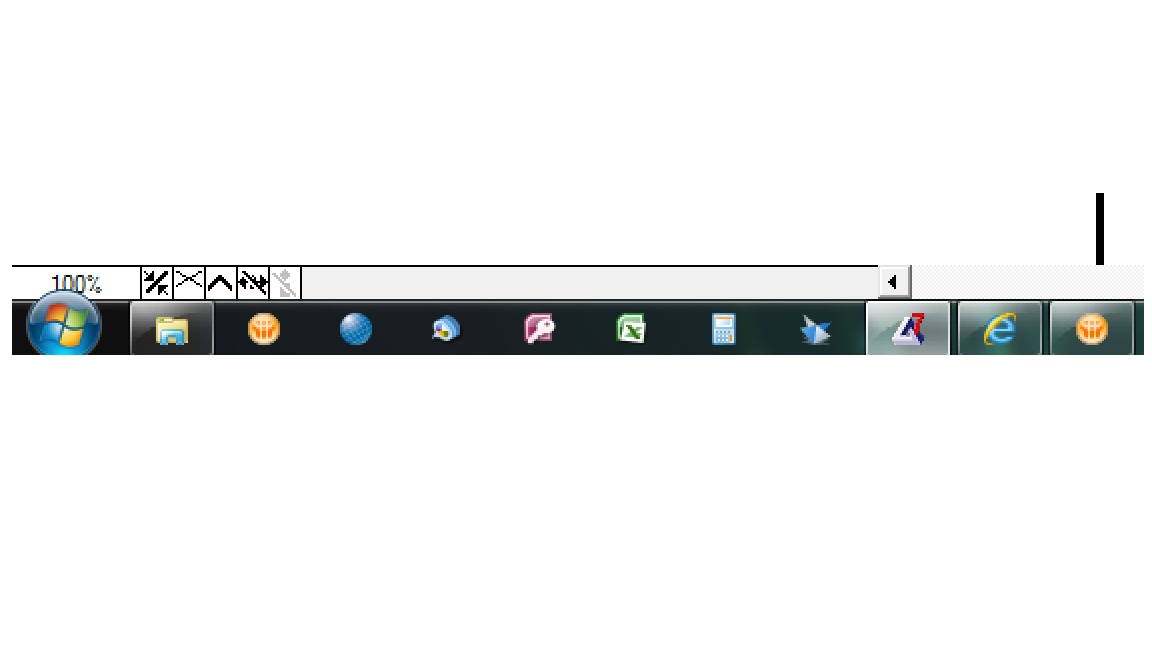

Untitled.jpg

The Cursor info can not be turned on and when I hover over it, it says Curso info is not shown (Enable background drawing first). I searched for how to activate the background and nothing came up. I saw a thread on here about 7.1 having a problem with not being able to show curso info. Which a couple people responded with going into your preferences and selecting buffered drawing to enable it.
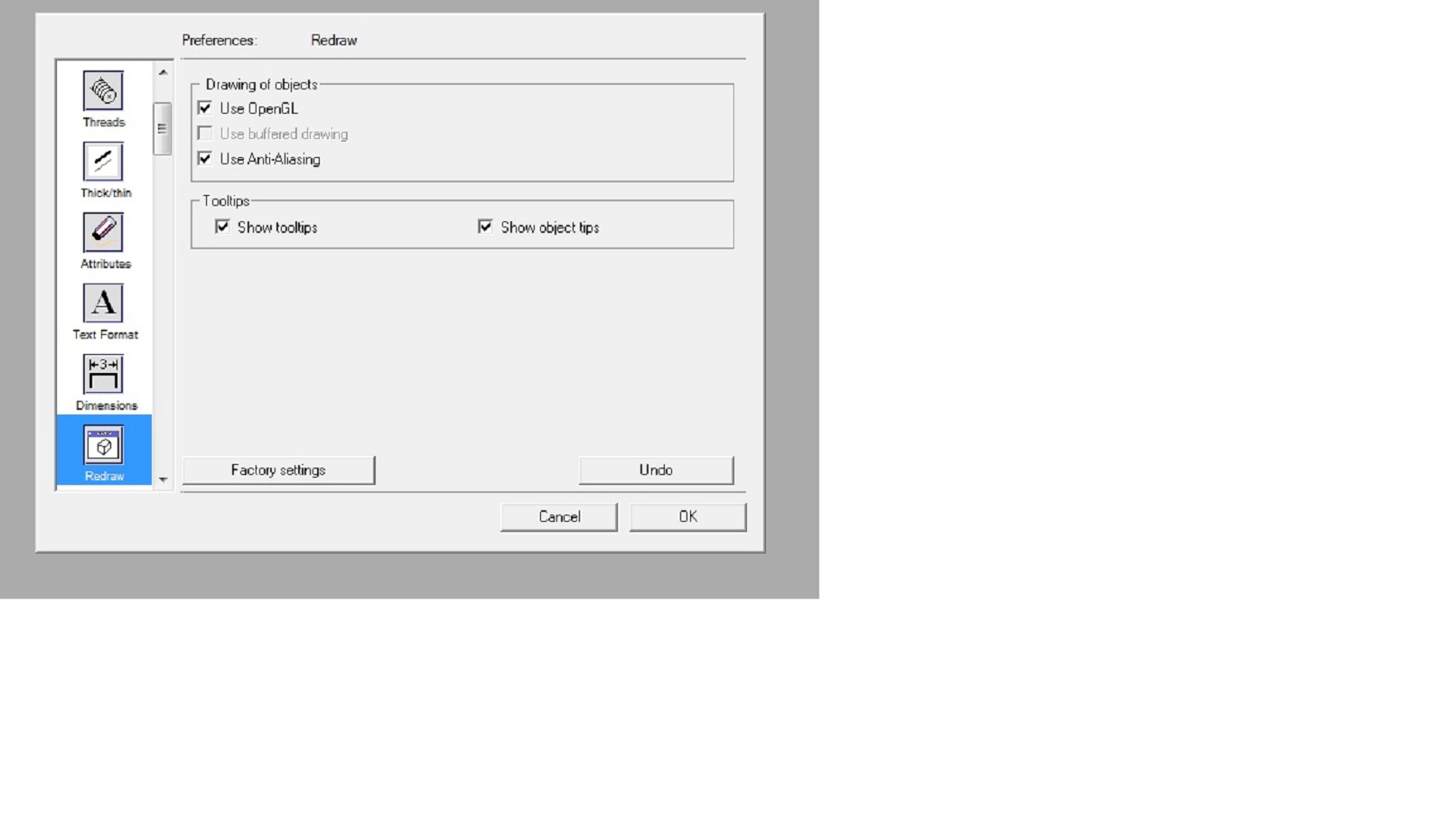
preferences.jpg

Which Use OpenGL is checked and anti - aliasing is checked. But unchecking either of those does not free up the Use Buffered drawing to be checked. I mean ultimately Id like to just be able to place my cursor over a line and have it show the midpoint of the line so I can accurately mirror the line and build symmetrical pieces.

Thanks

    3 replies

    1-Visitor
    March 21, 2012

    If you close all documents first, you can uncheck 'Use OpenGL' in the Redraw Preferences.

    After this, it's possible to activate the Cursor Info.

    1-Visitor
    September 27, 2012

    You've probably resolved this by now but since I could not find the answer (I had the same problem) I searched the PTC database and found the answer that does work. See instructions below.

    Capture.JPG

    1-Visitor
    February 20, 2013

    - Of all of IsoDraw's excruciatingly irritating glitches (there are SO many), this is one of the worst - THANK YOU for posting a WORKING solution to this problem. I can't tell you how many hours were spent trying to figure this one out. You'd think that checking a box called "Show Cursor Info" would be all you'd need to do, wouldn't you? Not so.

    Many thanks,

    Chris

    1-Visitor
    November 3, 2012

    Hi Please Reinstall IsoDraw.........