When importing ReqIF in PTC Codebeamer, need to support the automatic creation of corresponding folders and automatically move all requirements imported in the same batch into those folders, to better align with the document concepts in RV&S.
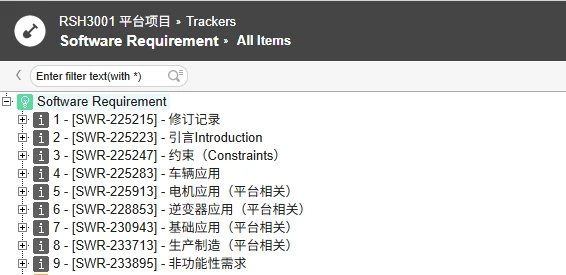
I am using Codebeamer. Every time I import a ReqIF file, all requirement nodes are flattened directly under the target Tracker after import, which causes great trouble for my work. We frequently need to import multiple ReqIF files into the same Tracker for unified maintenance. At present, I have to manually create parent nodes and move all imported flat items into these folders. Besides, I cannot import two ReqIF files into the same Tracker at the same time. If I do so, the item sequence will be messed up, and we will not be able to identify which ReqIF file each requirement originates from.
This issue affects around 100 users in our production environment. Manual creation of parent nodes and item relocation multiplies our time and effort for each import operation.
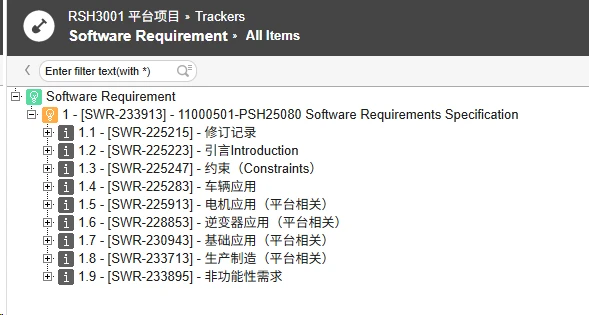
My expectation is: when importing a ReqIF file, the system can automatically create a parent node, and put all nodes from this ReqIF import under this newly created parent node automatically.