1-Visitor
August 20, 2012
Solved

3d Note display?

  • August 20, 2012
  • 2 replies
  • 7155 views

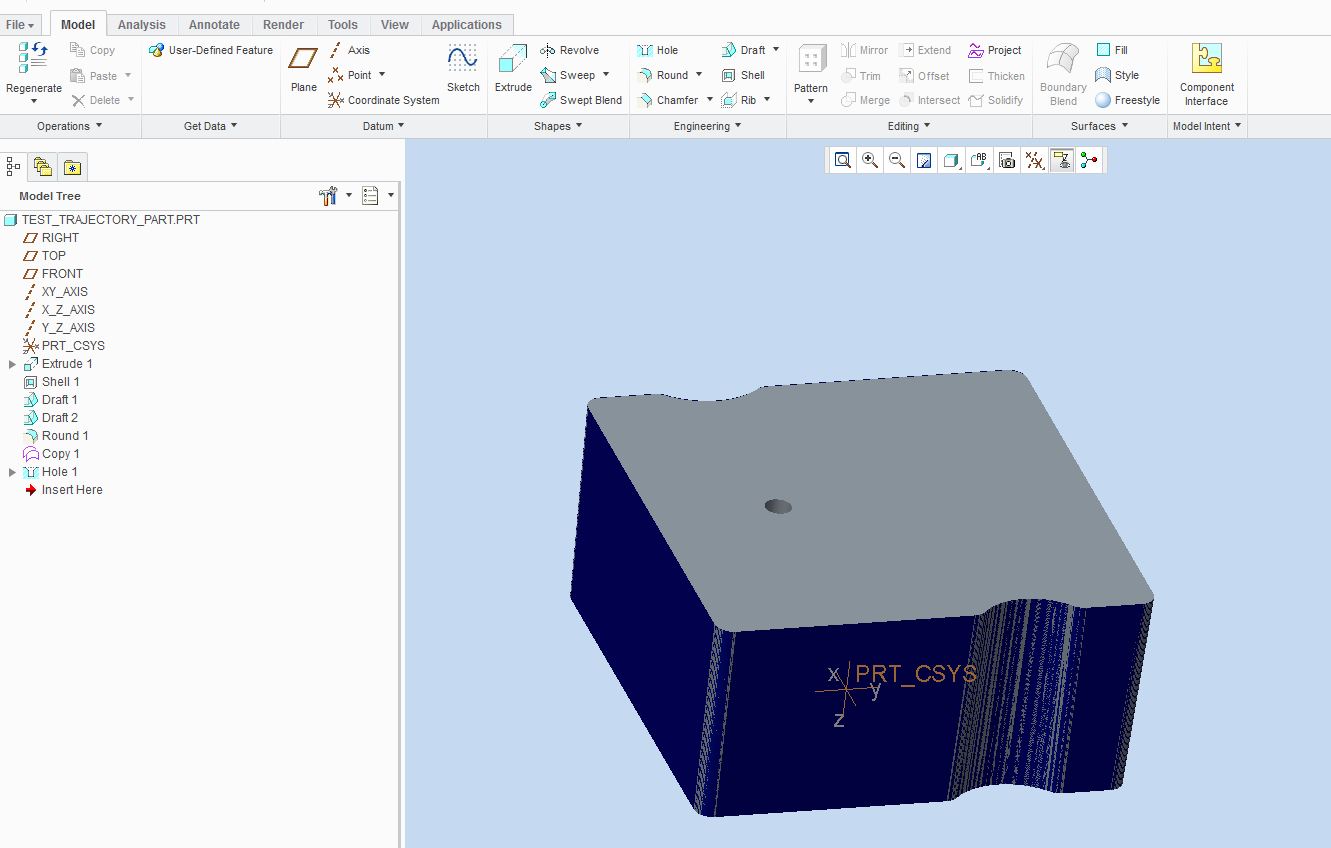
In wf5 I had an Icon that would turn on and off the display of hole notes. Now with Creo2.0 the icon appears to be gone along with the display of my hole notes?

how do I get them back? Creo2.0 windows7 64 bitPro

Any help would be appreciated.. I really miss my notes!!

Thanks in advance,

Steve
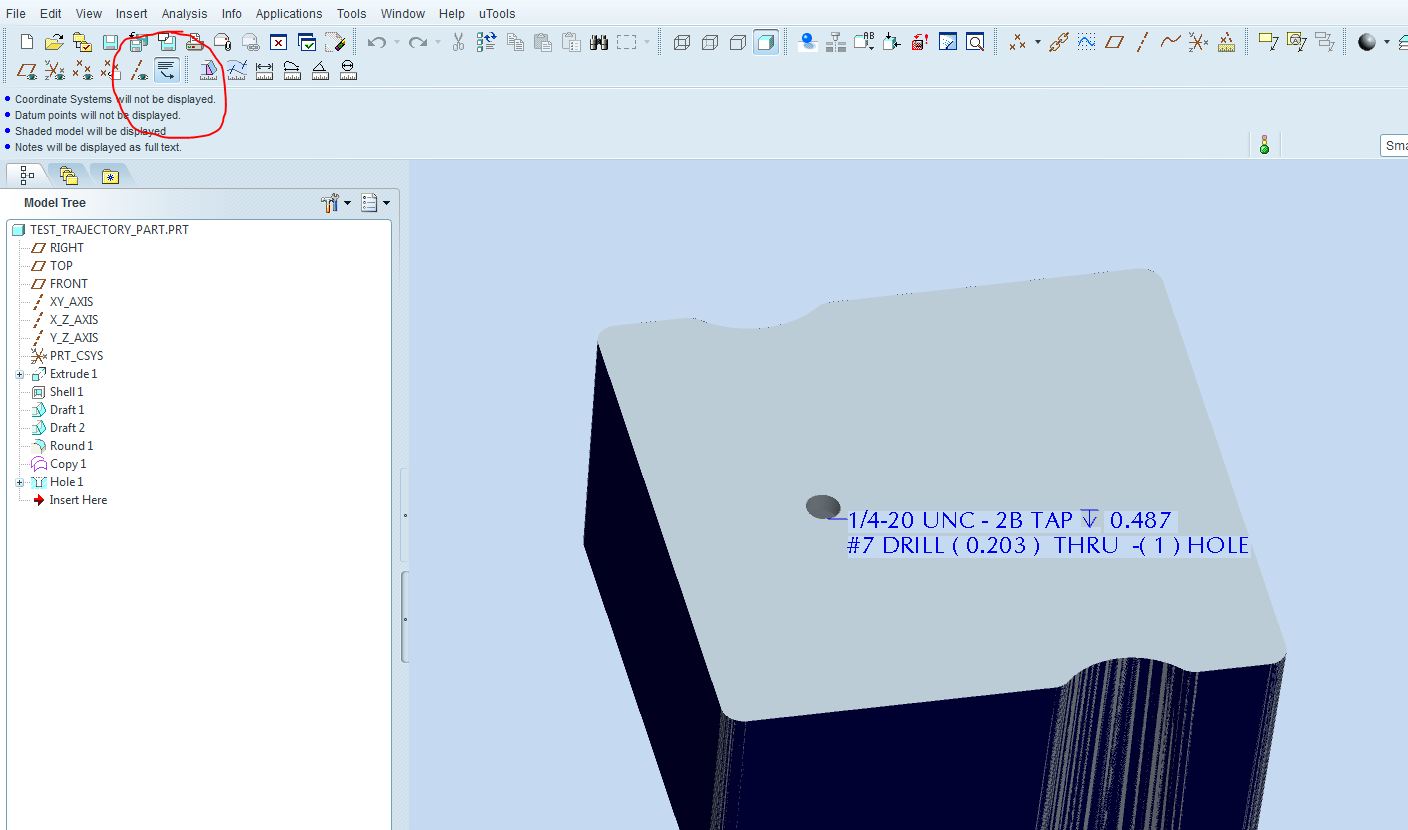
3d note display.JPG

creo2.0 3d note display.JPG

    Best answer by Bari

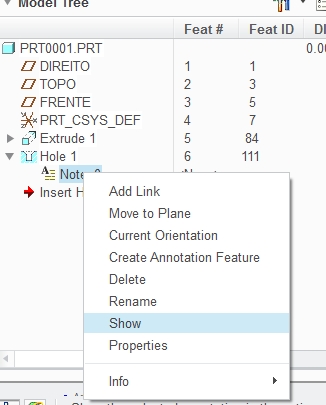
    Change to ANNOTATE tab and then Right Mouse Button on Hole's note and SHOW option.

    qw.jpg

    2 replies

    14-Alexandrite
    August 20, 2012

    Hello Steve,

    Add this line to your CONFIG.PRO file

    MODEL_NOTE_DISPLAY YES

    Hope it works.

    1-Visitor
    August 20, 2012

    Thanks for the reply Antonio,

    Had that set already, Still no notes showing up?config_option.JPG

    Bari14-AlexandriteAnswer
    14-Alexandrite
    August 20, 2012

    Change to ANNOTATE tab and then Right Mouse Button on Hole's note and SHOW option.

    qw.jpg

    13-Aquamarine
    August 20, 2012

    I also prefer the way that this worked in WF5.0 vs Creo 1.0 or 2.0. It was very easy when working with a part or manufacturing model to see the holes note. I am afraid this is gone forever. If you figure out a way to globally toggle the disply of hole notes for a part please let me know.

    13-Aquamarine
    November 19, 2013

    FYI - this functionality is back again in Creo 2.0 M080.

    14-Alexandrite
    September 9, 2014

    Hi,

    I'm searching for this option to turn on/off hole notes in latest releases of Creo 2.0, but I can't find it. I've seen that PTC is working on a config.pro option to turn hole notes on/off -> https://support.ptc.com/appserver/cs/view/spr.jsp?n=2224432

    It doesn't seem to be released yet, and I don't know another way to do it... Do you know how to do it on Creo 2.0?

    Thank you in advance!