1-Visitor
October 27, 2016
Solved

Anyone could tell me if is possible to avoid a distortion image after to use "drag component". I have added a picture
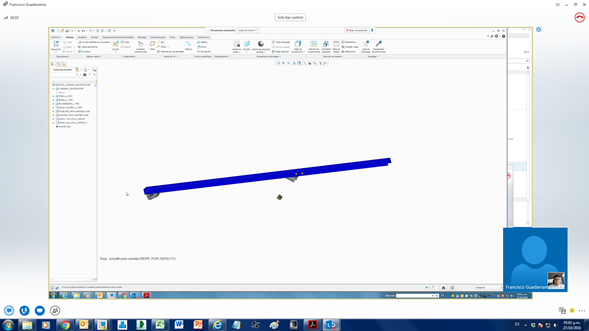

Anyone could tell me if is possible to avoid a distortion image after to use "drag component". I have added a picture

    StephenW
    StephenWAnswer
    23-Emerald III
    October 28, 2016

    That looks like a level of detail problem.

    Go to FILE - OPTIONS - MODEL DISPLAY tab, then turn off the "use level of detail for the shaded model when manipulating the view"

    Try it after that and see if you still have the problem.

    4 replies

    StephenW
    23-Emerald III
    October 28, 2016

    I can't see from your image what the problem is

    Translate
    melias1-VisitorAuthor
    1-Visitor
    October 28, 2016

    Hello, I have added you  some pictuctures about the issue, these troubles uccur after to use "Drag Components", Do you  Know How to avoid it??

    Translate
    StephenW
    StephenW23-Emerald IIIAnswer
    23-Emerald III
    October 28, 2016

    That looks like a level of detail problem.

    Go to FILE - OPTIONS - MODEL DISPLAY tab, then turn off the "use level of detail for the shaded model when manipulating the view"

    Try it after that and see if you still have the problem.

    Translate
