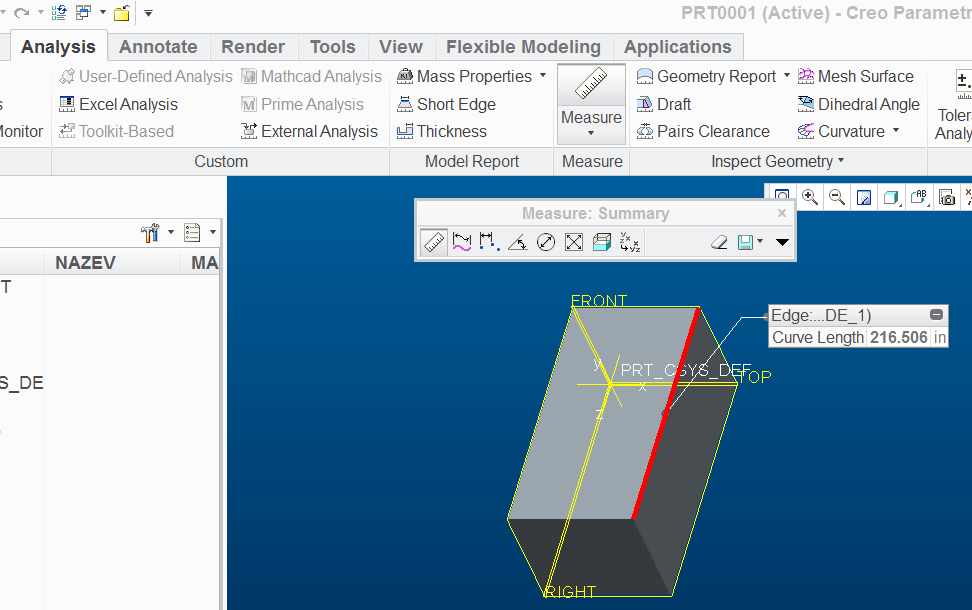
Solved
Dimensioning Problem
i 'm beginner.. facing a problem regarding dimensions.. they initially appear as
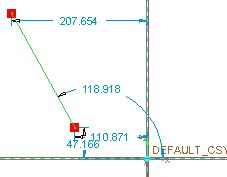 perhaps these are in mm. i want to use inches, i went here
 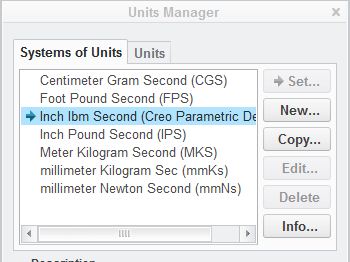 they are already in inches.. i changed to others settled them back to this but no avail.. they keep appearing the same way.. i want to work with inches in single digits but when i type in 1,2 thing appear in micro..nd i guess they show 1mm,2mm etc not inches...while by default creo is set to inches.. i 've creo 3.0 M020 educational edition