1-Visitor
April 24, 2012
Solved

Distortion of a model view in a shaded with edges mode

  • April 24, 2012
  • 2 replies
  • 4252 views

Hello, everyone!

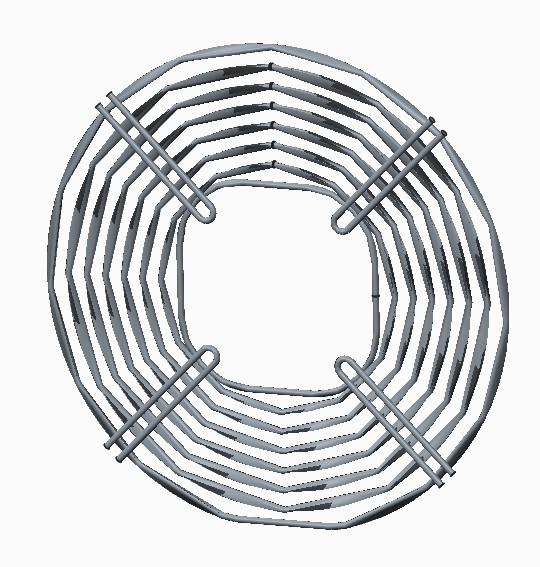
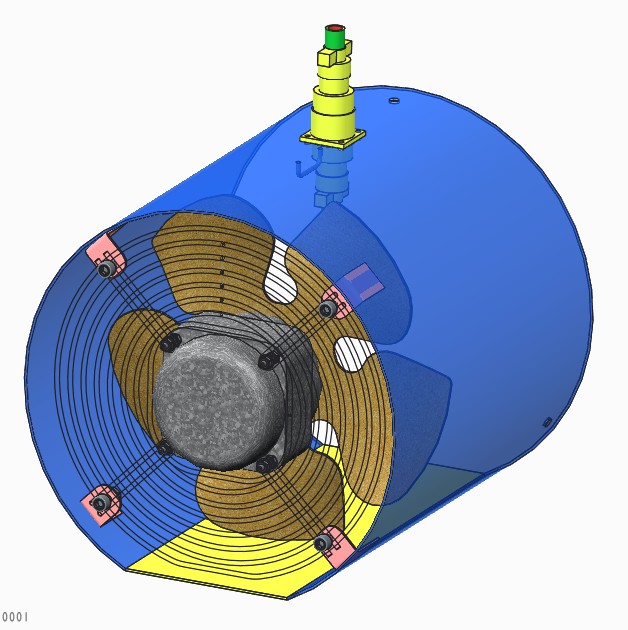
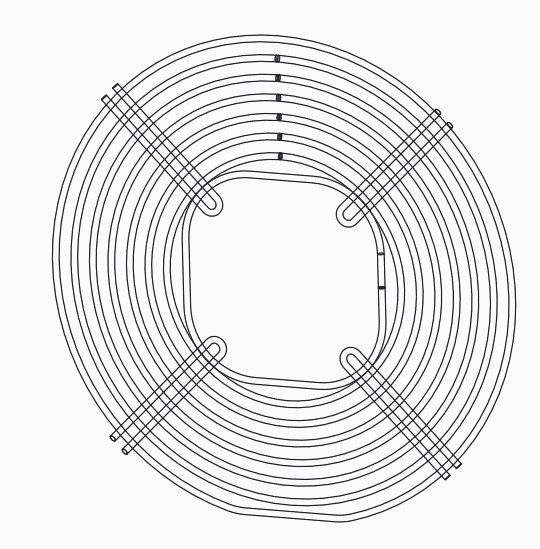
I wonder why Cre misrepresents a model of a fan guard in a shaded with edges mode.

The only way to see it correctly without any distortions is to switch from the shaded with edges mode to the wireframe mode.

In the other modes Creo exchanges circles for polygons.

Thank you in advance.

Best regards, Vladimir.
1.jpg2.jpg3.jpg

    Best answer by AriesChen

    file --> option --> model display --> set shade quality to: "10"

    file --> option --> entity display --> edge quality display "Very High"

    2 replies

    AriesChen1-VisitorAnswer
    1-Visitor
    April 24, 2012

    file --> option --> model display --> set shade quality to: "10"

    file --> option --> entity display --> edge quality display "Very High"

    1-Visitor
    April 25, 2012

    Thank you very much for your help, Aries.

    That works.

    Best regards, Vladimir.

    777.jpg

    Patriot_1776
    22-Sapphire II
    April 25, 2012

    Also, make sure "Small Surfaces" is checked.

    1-Visitor
    April 26, 2012

    Thank you, Frank.

    I'll take it into account.

    Best regards, Vladimir.

    1-Visitor
    April 27, 2012

    Hi Vladimir,

    if you are using Creo 1, i understand the shade quality can now be set to as high as 50.

    Regards

    John