
1-Visitor
October 12, 2012
Question

How to do this in Creo Elements/Pro 5.0 ?

  • October 12, 2012
  • 1 reply
  • 1633 views

Hi,

We can do this in other programs. But cant do it in Creo Elements/Pro 5.0. Do you know the exact command and way to do this. Thanks.
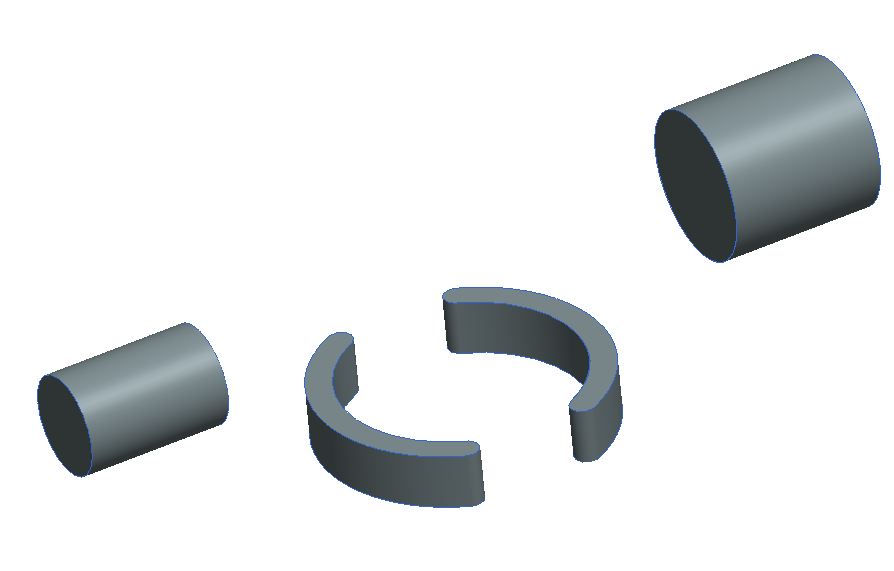
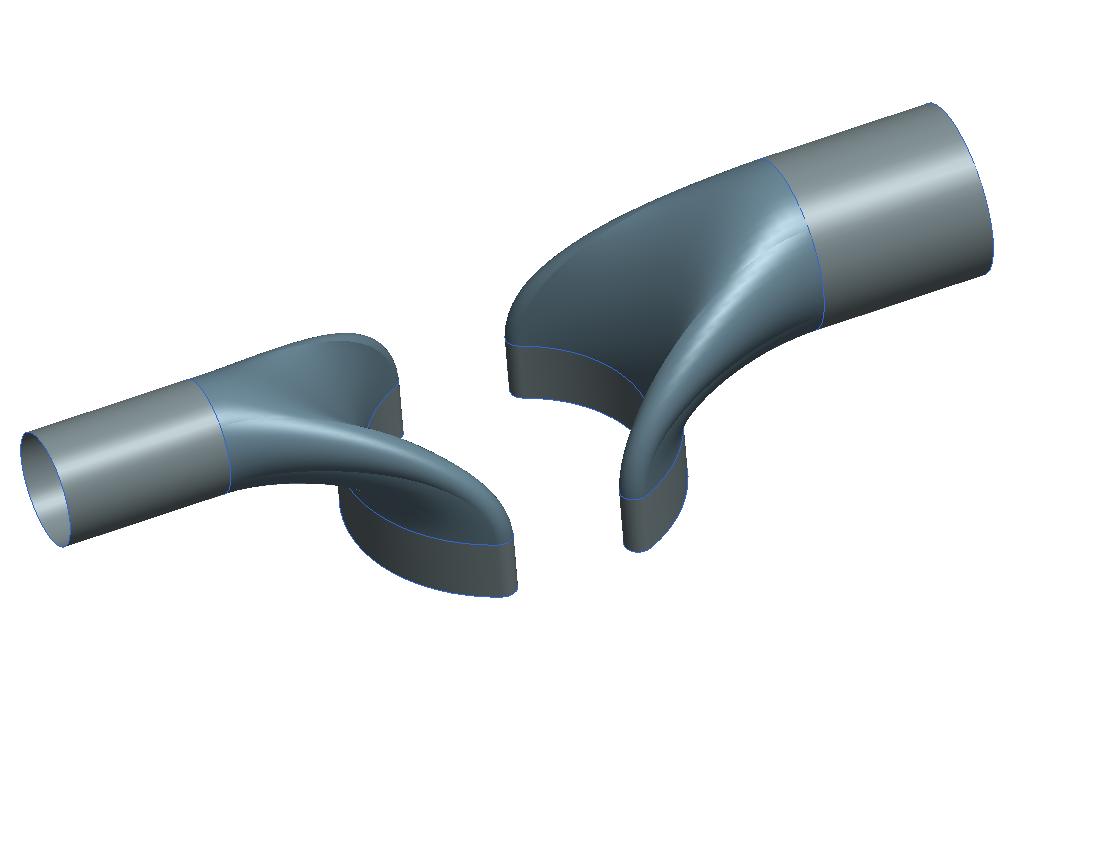
epp045118d1.JPGepp045118d.jpg

1 reply

1-Visitor
October 17, 2012

Anyone ? any help ?

1-Visitor
October 19, 2012

Hello Tolga,

I Don't come on here that often but just saw your post. This is definatly possible using a swept blend

image1.png

First Create a trajectory between the two surfaces as shown:

image2.png

Then Create two profiles as shown, each profile must have the same number of entities, therfore in this example you must use the divide tool in the circle sketch to break it down into 4 entities as shown. I have made the model transparent to make it a little easier to see:

image3.png

image4.png

Then use the swept blend tool, select the trajcetory and then under the profiles tab the two profiles.

image5.png

Hope this helps, Get yourself on a PTC advanced modeling course and you will learn about this!

Tim
