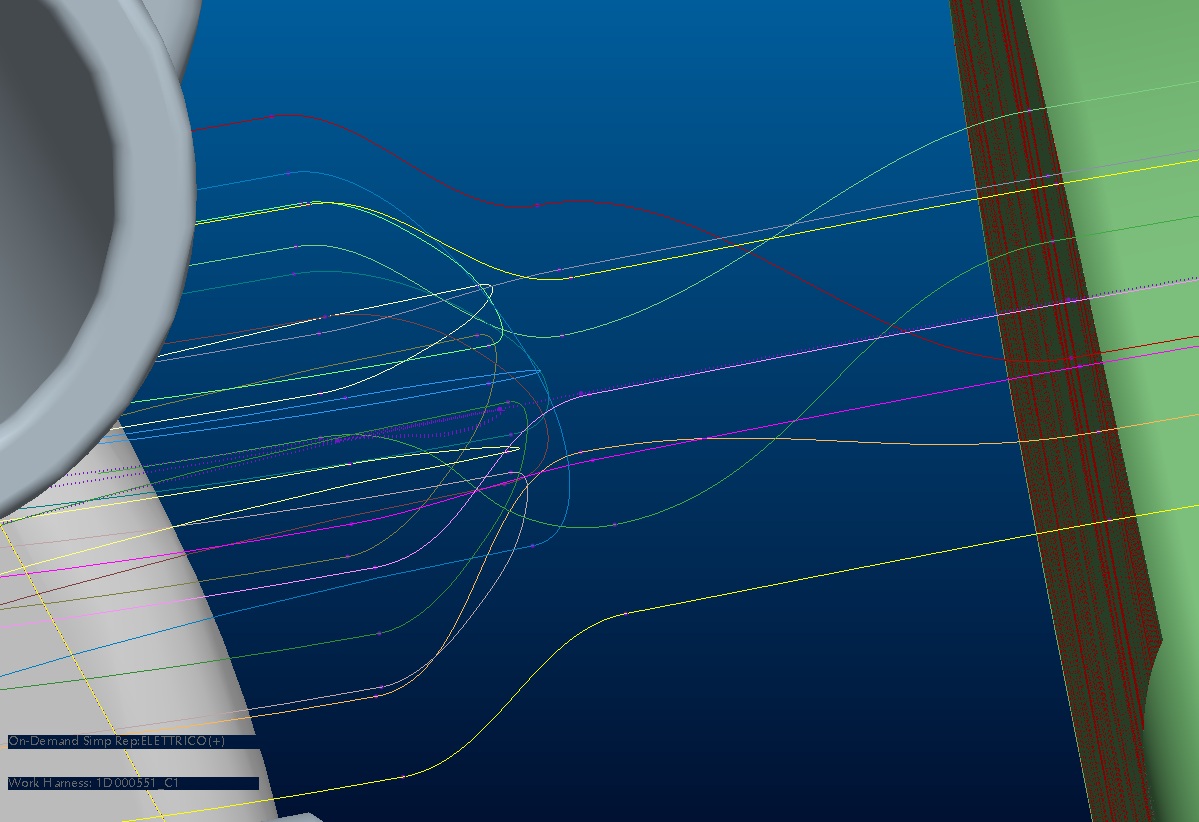
Huh? Are you talking about moving artifacts, geometry, and text items or something else?
The artifacts, geometry, and text items can all be moved if you select all the items you want to move then either move the cursor till you see a move arrow and then drag them to the new location or right click and select move.
You select multiple items by draging a rectangle around them or holding the control key while clicking on items.