1-Visitor
October 26, 2012
Question

Mapkeys To Default Ribbons

  • October 26, 2012
  • 2 replies
  • 1620 views

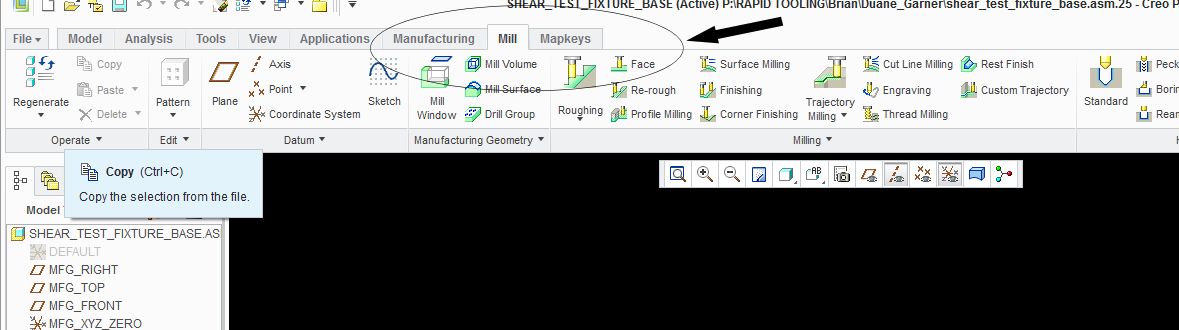
Creo-Ribbon.jpg

Is there a way to add mapkeys to Creo's default ribbons?

    2 replies

    1-Visitor
    October 30, 2012

    Brian,

    if you click on the learning connector icon in the top left then getting started, there is a short tutorial on how to customize the interface.

    customize.JPG

    1-Visitor
    October 30, 2012

    Steve,

    Thanks for the relpy, I did watch the video you recommended, however i was hoping to find out if it is possible to customize the default ribbons in NC. For example I want to add some of my mapkeys to the "MILL" Tab in NC instead of creating a new Tab with my mapkeys i have defined from previous releases. As of right now I am unable to do this, and was wondering if I was doing something wrong, or if this is something we cannot do in Creo.

    Thanks,

    Brian

    1-Visitor
    October 30, 2012

    Brian,

    Not sure about the defaullt ribbon but I can put mapkeys anywhere else.

    ribbon.JPG

    1-Visitor
    November 1, 2012

    You should be able to add a "New Group" to the Mill tab, and add your Mapkeys to the group. I know this works in Modeling...