
1-Visitor
Nov 28, 2014 3:55 PM UTC
Solved

Script Error in Creo Parametric 2.0

I have been having trouble with my Creo Parametric 2.0. As soon as the application loads up, there is a tab named "script error" popping up and no matter how I try to close it, it keeps recurring, disabling me to use the software. I have tried installing the entire software again and is of no use. I would be really thankful if you could help me rectify the above mentioned issue as soon as possible as the situation is kind of an emergency. I have attached an image capturing the above mentioned problem. Thanking you in advance.
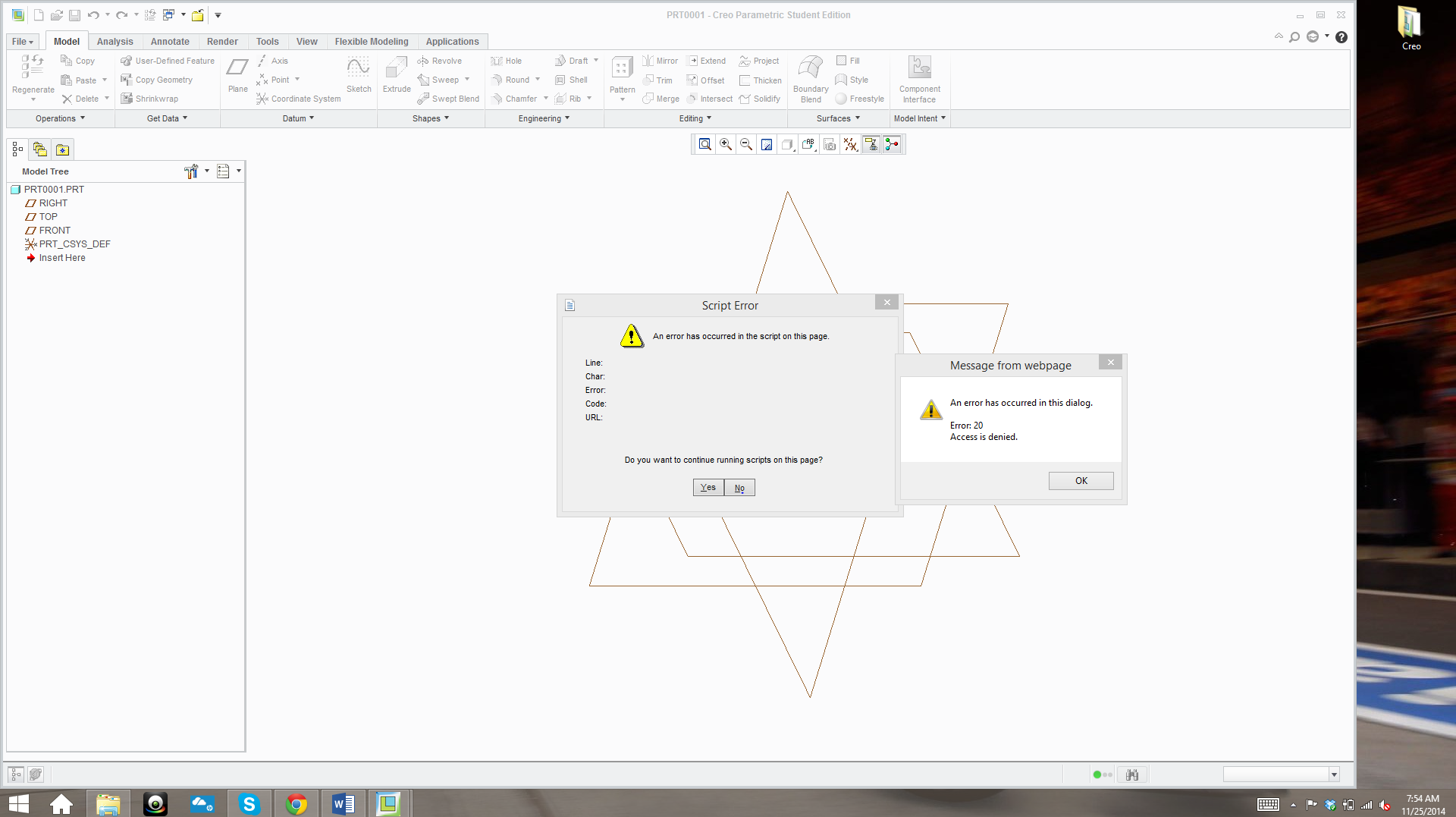
Captu12re.PNG

    24-Ruby III
    Nov 28, 2014 4:03 PM UTC

    Hi Shravan,

    you can configure URL which will be used in integrated browser as default.

    To display blank page, add the following option into your config.pro file

    WEB_BROWSER_HOMEPAGE about:blank

    Marn Hanak

    2 replies

    24-Ruby III
    Nov 28, 2014 4:03 PM UTC

    Hi Shravan,

    you can configure URL which will be used in integrated browser as default.

    To display blank page, add the following option into your config.pro file

    WEB_BROWSER_HOMEPAGE about:blank

    Marn Hanak

    Translate
    Mahesh_Sharma
    22-Sapphire I
    Nov 28, 2014 6:59 PM UTC

    As martin suggested you can use about:blank to display blank page, however instead of about:blank you can use your company web address or any other web address as well (e.g. www.google.com).

    Translate