Hi,
This error happens when the geometry that you clicked as a reference to create the view changes and the view loses the origin point. Click on your "right_32" view, then Right-Click >> Properties. You will see a dialogue box like the one attached (Drawing_View_Dialogue.JPG).
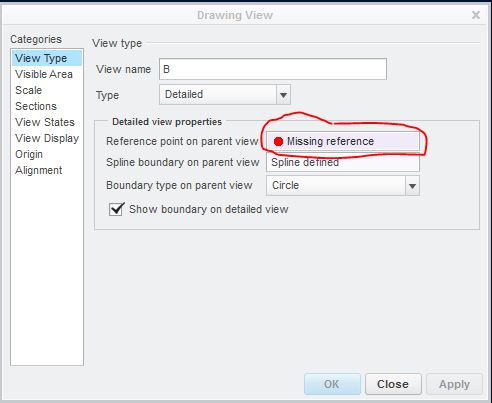
Click on the field showing your missing reference, then go to the original view you created "right_32" from. You will need to click where the view origin point should be to redefine the view. There will be an X in your original view similar to the image attached (Origin_Point.jpg).
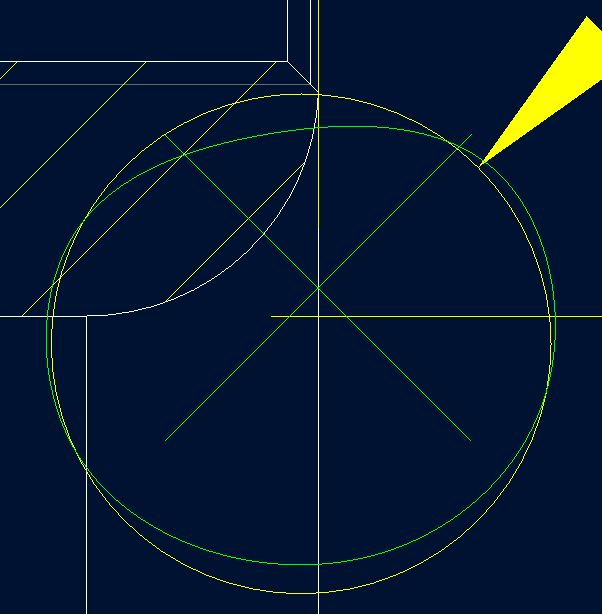
For my view, I changed the radius value enough that the view lost it's origin reference point. So to fix this, all I need to do is click on the radius again and the view will then redefined. Then click OK in the dialogue box. Done.
Hope this helps...Brian

