Question
Adding buttons to the ribbon with custom functions
I've been using VB API for a couple of weeks now and now i want to add a button to the ribbon. But I can't even start an application in CREO.
My code looks like this:
Imports pfcls

Module Module1
 Public asynconn As New CCpfcAsyncConnection
 Public conn As IpfcAsyncConnection
 Public session As IpfcBaseSession
 Sub Main()
 user_initialize()

 user_terminate()
 End Sub
 Sub user_initialize()
 conn = asynconn.Connect("", "", ".", 1)
 session = conn.Session

 End Sub
 Sub user_terminate()
 conn.Disconnect(5)
 End Sub

End Module
My protk.dat file:
NAME test
EXEC_FILE D:\Users\Creo_7\Test_Button.dll
TEXT_DIR D:\Users\Creo_7
STARTUP dll
delay_start FALSE
allow_stop TRUE
REVISION 2001
END
config.pro:
protkdat D:\Users\Creo_7\protk.dat
What is a minimum requirements for creo VB application to run inside of CREO and how than can I add button on the ribbon?
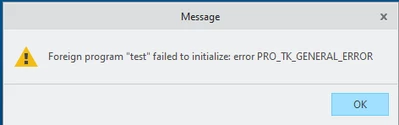
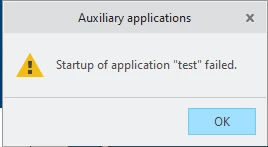
Errors that I'm getting