

Batch DWG, PDF, STEP, DXF Export Automation(s)
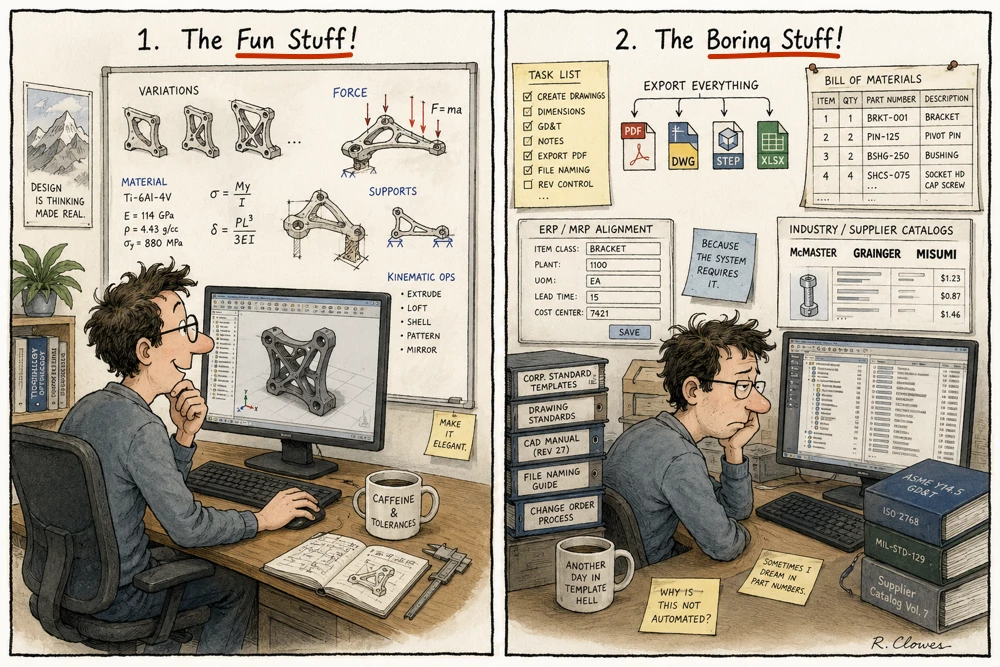
There have been many requests for how to quickly Batch Export DXF, DWG, PDF, and STEP files out of Creo Parametric. This is a common problem we all struggle - it is the boring stuff we do (a grind to setup and execute properly).
We have just released some Excel Workbooks that you can download and use with Nitro-CELL (FREE or Purchased License Users) to help automate the batch exports of these formats. They are normal Excel Workbooks that Nitro-CELL uses to execute the Batch Exports - can obtain them here:
https://github.com/SimplifiedLogic/Nitro-CELL-FREE_AUTOMATIONS
These are simple, easy to use, fast, and you can configure and improve them easily for your own purposes.
The initial workbooks are specific to DRW, DXF, PDF, and STEP Export Automations (your local system settings and configuration options apply - so pen tables, export settings, etc.). These automations assume an export target to a sub-directory for each file type (which is deleted/created during execution) so your results are easy to find.
Simple Steps to Get Automating.
- Creo Parametric w/ JLINK Installed
- Download, Extract, Run Nitro-CELL
- Get your FREE License (or use your Purchased License)
- Point Nitro-CELL to your Creo Installation
- Optional Download Nitro-CELL Excel Add-in (if you want tooltips in Excel)
- Download the Automation Workbook(s)
- Point Nitro-CELL to your Automation Workbook
- Press “Do It!”
Smile :)
If you have any questions - please let me know.
Works with currently supported Creo 8-12 - Creo 13 support later this week.
What other automations would you like to have?
Dave