Changing Dimensions Of Datum points in Table driven Pattern
Hello
We are trying update dimensions of the datum points present in the table driven pattern.
We are using the code below.
//Retrieve part and display in part window
status = ProMdlnameRetrieve(MdlName, PRO_MDLFILE_ASSEMBLY, &pHandler);
if (status != 0) {
status = ProMdlnameRetrieve(MdlName, PRO_MDLFILE_PART, &pHandler);
}
status = ProObjectwindowCreate(MdlName, PRO_PART, &win_id);
status = ProWindowActivate(win_id);
status = ProMdlDisplay(pHandler);
//get datum points from Model
status = ProUtilCollectdatumPoints((ProAssembly)pHandler,&datumpoints);
//get 2nd Datum point dimensions
status = ProUtilCollectPointDimension(&datumpoints[1],&p_dims);
ProArraySizeGet(p_dims, &dimsize);
for (int i = 0; i < dimsize; i++)
{
ProStringToWstring(dimname, "d5210");
ProDimensionSymbolGet(p_dims + i, dimSymbol);
//Update dimension d5210 to 900.12
status = ProWstringCompare(dimSymbol, dimname, 5, &cmpres);
if (cmpres == 0)
{
status = ProDimensionValueSet(p_dims + i,900.12);
status = ProDimensionDisplayUpdate(p_dims + i);
status= ProSolidRegenerate((ProSolid)pHandler, PRO_REGEN_UPDATE_INSTS);
}
}
This Code works fine for datum points outside the pattern.
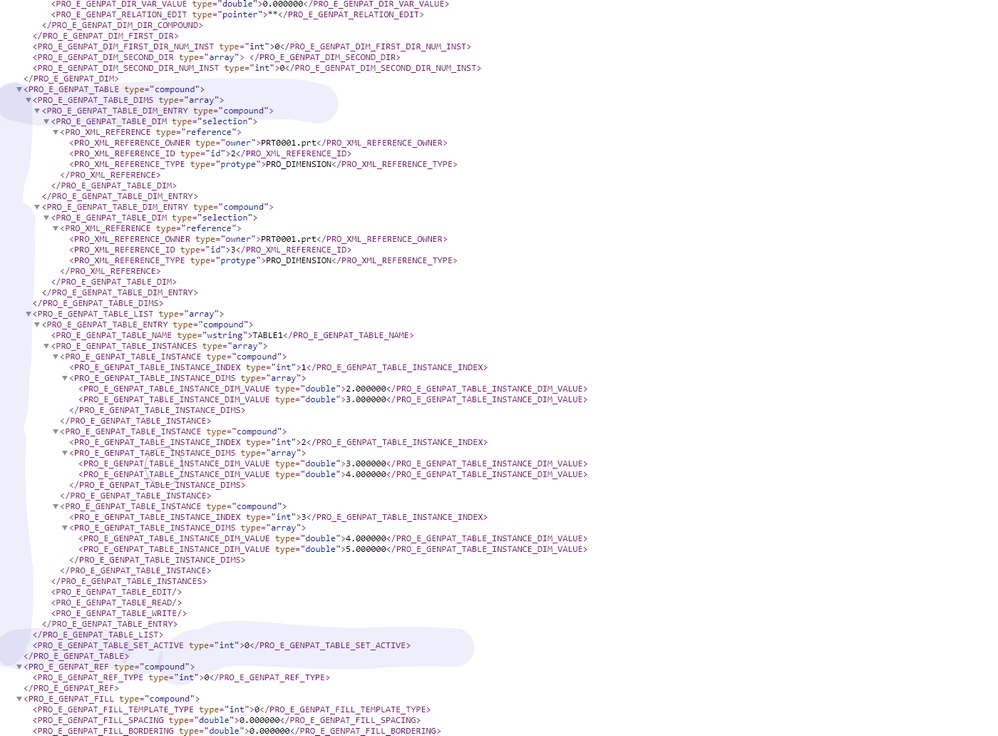
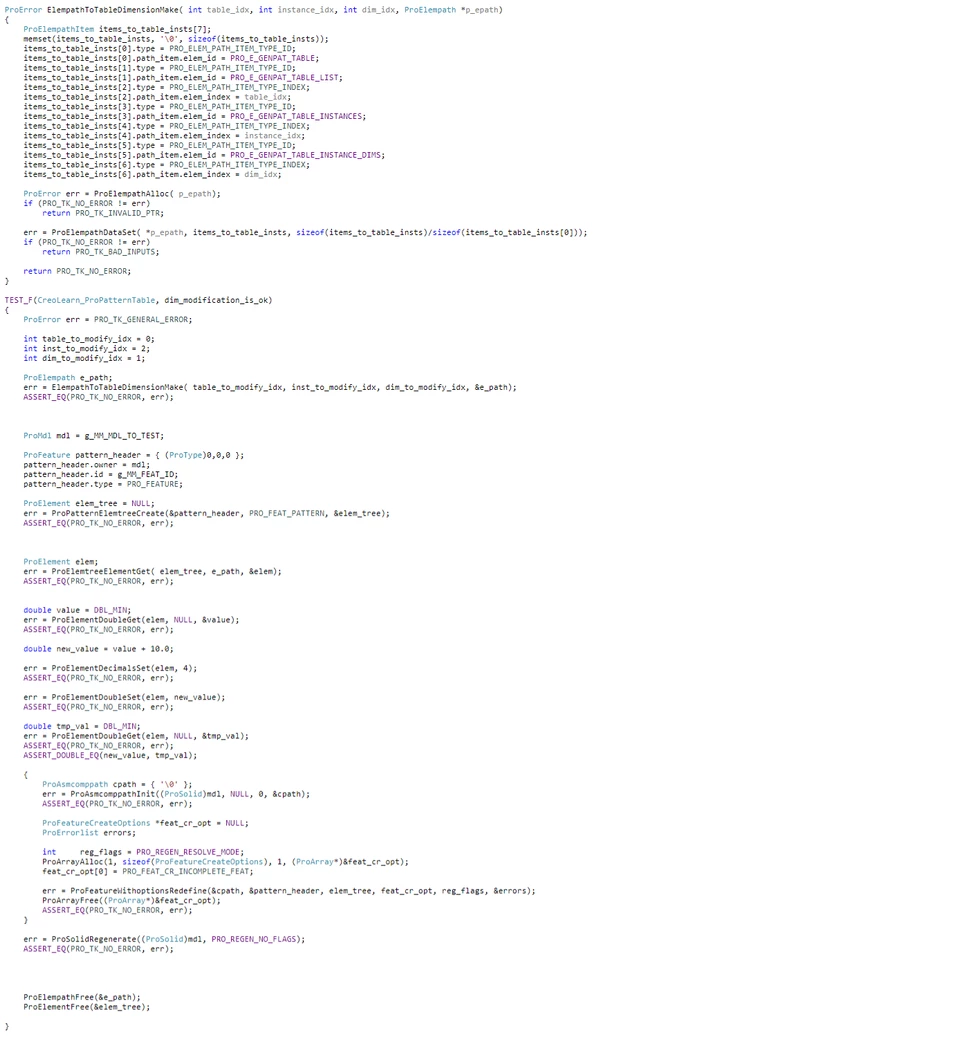
For datum points present in the Table driven pattern the dimensions are updated temporarily but are reverted back to original value upon regeneration.
we are using Creo 4.0 M030.
Any Suggestion would be great help.
Thanks and Regards
Rohit