

Solved
Is it possible to control the layers while exporting a stepfile with J-Link/Toolkit?
I'm writing a piece of code to automate the exporting of stepfiles and I can control certain properties in the export-instructions (such as GeometryFlags)
But I can't seem to find a solution to control the export status of the layers of the model.
I know you can choose the export status of each layer if you manually export the model to a STEP file
(Save As -> Customize Export -> Customize Layers)
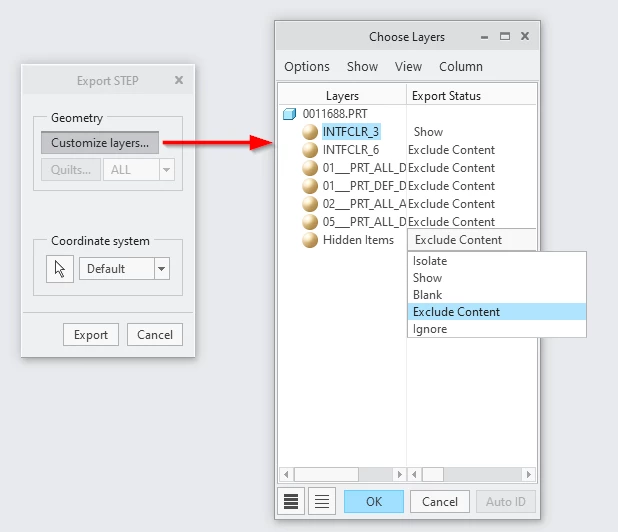
But is it possible to control these export statuses using code (J-Link/Toolkit)?
(This piece for example exports the model as a stepfile: )
GeometryFlags gf = pfcExport.GeometryFlags_Create();
gf.SetAsSolids(true);
ExportInstructions ei = pfcExport.STEP3DExportInstructions_Create(AssemblyConfiguration.EXPORT_ASM_SINGLE_FILE, gf);
model.Export(model.GetInstanceName(), ei);