

Orientation Cube or Simple Rotation Feature
I recently came to Creo from Inventor, and I became somewhat dependent on the orientation cube (see attached video). After searching the community and the settings, I had come to the conclusion that such a thing was not possible in Creo. However, when doing some training with PTCU, I opened one of their files (which automatically opened in Simulate) and I saw something similar to the orientation cube labeled WCS in the bottom right corner (World Coordinate System, see attached image), which proved it's possible. This one is passive, meaning it only shows the current orientation, but that would be enough to help me.
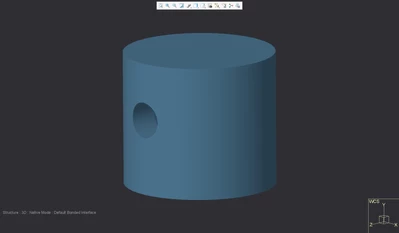 |
My question: how can I get this in Parametric? Would it be possible to make active (I can click on parts of the cube and re-orient the modeling window)? Or would it be easier to figure out how to program in 90 degree rotations about each axis in the views instead? My problem is that I have aphantasia, meaning I cannot visualize objects in my head, so I rely on being able to see it and grasp the position of features from looking at the model. The orientation cube was really helpful for this, and the lack of such a thing in Creo has been difficult for me to adjust to.